The Artisan Command-Line Interface
Artisan is a command-line tool used to create project files and execute various commands in the terminal. The Artisan tool is also referred to as a Command Line Interface (CLI), the Artisan console, or the Artisan script.
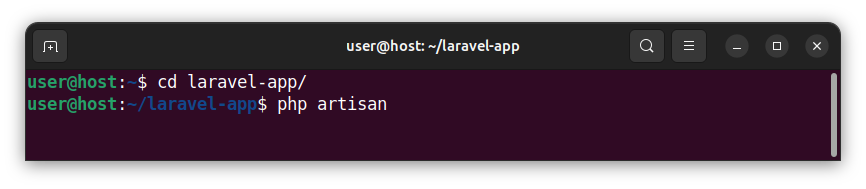
To invoke Artisan in the terminal, navigate to the project's folder and use the following, general syntax statement:
php artisan
Followed by various commands and parameters, which we will cover in this article.
Creating project files
The Artisan tool can be used to create various project files and prepopulate them with the appropriate source code. The general syntax is:
php artisan make:<type> <name>
The <type> argument represents the file category/type and the <name> argument represents the partial file name, without the extension.
Creating a migration
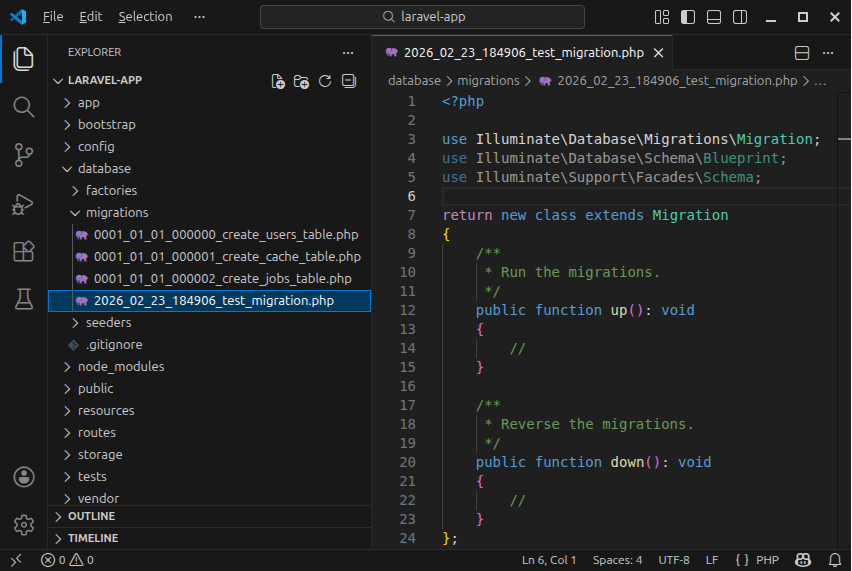
To create a migration file, called for example, test_migration using Artisan, we write:
php artisan make:migration test_migration
This command creates a migration file whose name starts with a time stamp and ends with the test_migration.php wording and places the file in the database/migrations/ folder.
This command also prepopulates the file with the migration class source code.
Creating a migration that creates a table
To create a migration file that creates a table, called for example posts, we write:
php artisan make:migration create_posts_table
This command creates a migration file whose name contains a time stamp and ends with create_posts_table.php wording. The file is placed inside the database/migrations/ folder.
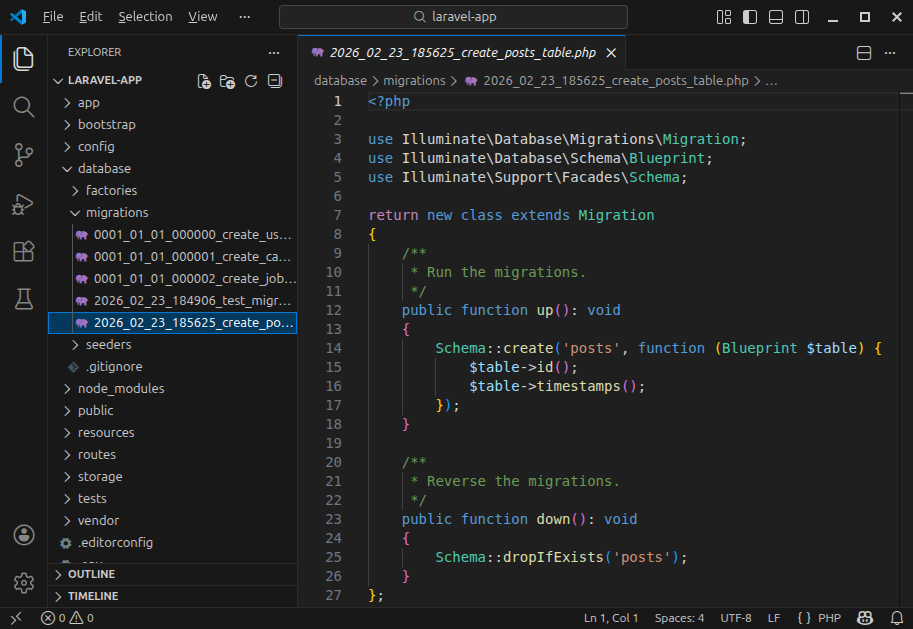
When we use the create_posts_table naming convention, the Artisan will prepopulate the migration file with the source code that can both create and drop the posts table:
Creating a model
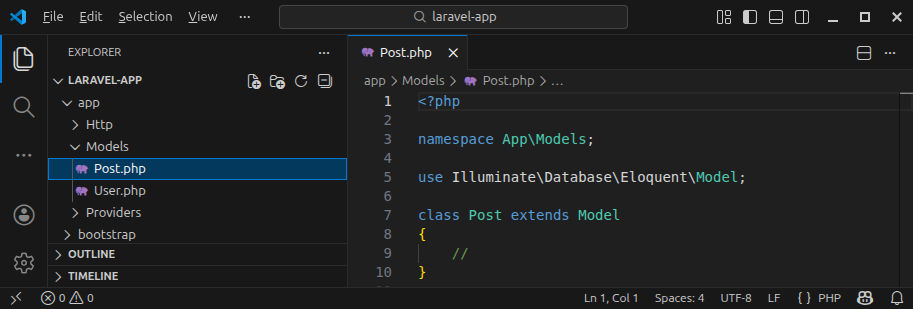
To create a model (a file containing a model class), we execute:
php artisan make:model Post
This command creates a Post.php file that contains the source code for the Post model/class and places the file inside the app/Models/ folder.
Note: Replace Post with the name of your model.
Creating a controller
To create a controller file in Laravel, we write:
php artisan make:controller PostController
This command creates a PostController.php file, prefills it with the source code for the PostController class and places the file in the app/Http/Controllers/ folder.
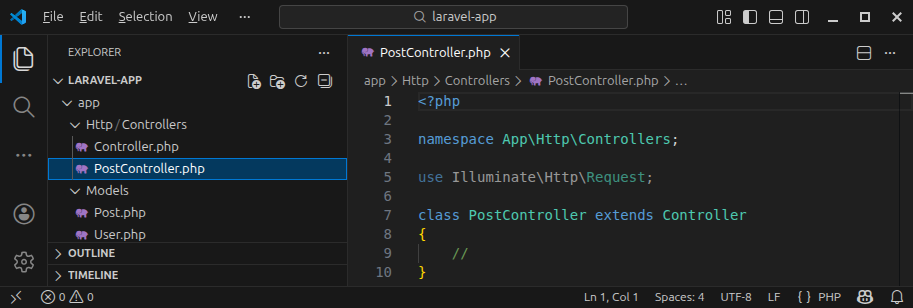
Note: Replace PostController with the name of your controller.
Creating views
The Artisan tool can be used to create Blade template files/views.
To create a template file, called index, we invoke the following command in the terminal:
php artisan make:view index
This command creates the index.blade.php file and places it in the resources/views/ folder.
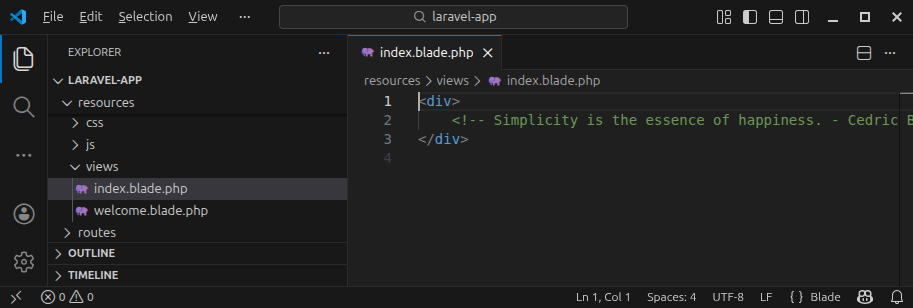
The file itself is prepopulated with a simple div element containing some inspirational tag. In production, we replace that code with our HTML code and Blade directives.
The Tinker tool
Laravel comes with a Tinker tool that allows us to execute the Laravel project statements in the command-line and observe the results in real time.
To start the Tinker tool, in the terminal, we execute:
php artisan tinker
This command starts the Tinker tool:
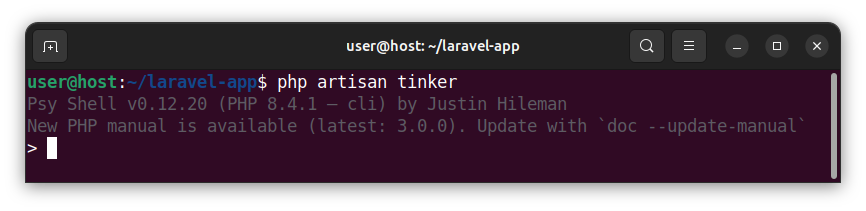
Now, we can start executing project's statements in the command-line. For example, to fetch all users using the existing User model, we write:
App\Models\User::all();
To insert a new user, we can execute the following statement in the Tinker tool:
$newUser = App\Models\User::create([
    'name' => 'user1',
    'email' => 'user1@example.com',
    'password' => Hash::make('pass1'),
]);
We can also execute multiple statements inside the Tinker tool:
use App\Models\User;
$newUser = new User();
$newUser->name = 'user2';
$newUser->email = 'user2@example.com';
$newUser->password = Hash::make('pass2');
$newUser->save();
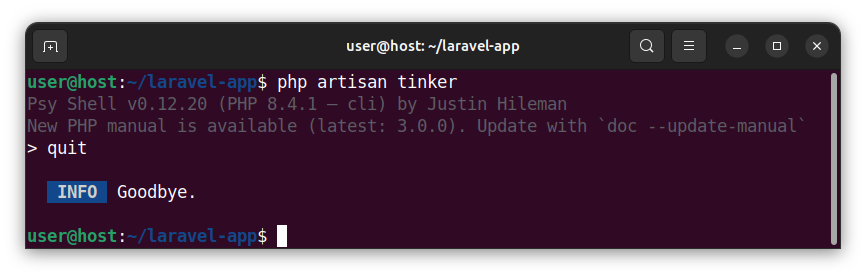
To exit the Tinker tool, type quit, q or exit and press enter, or press Ctrl + D on the keyboard.
Running migrations
To run the pending migrations using the Artisan tool, we write:
php artisan migrate
To roll back all the migrations, we execute:
php artisan migrate:reset
To roll back all the migrations and then execute them again, we write:
php artisan migrate:refresh
Summary
Artisan is a powerful command line utility that allows us to create files, execute various commands and interact with our Laravel project, both on a local development machine and the remote live server.


