Routes With Multiple Parameters
In our previous tutorial, we learned how to define a single parameter route.
In this tutorial, we will learn how to define a route that has multiple parameters.
Defining a route
For example, a route can be used to display a post from a database. The route can contain the post's id and slug column values, as in the following examples:
https://www.example.com/posts/1/some-post-slug
https://www.example.com/posts/2/another-post-slug
https://www.example.com/posts/3/this-is-the-posts-slug-column-value
These routes have two parameters. The first parameter represents the post's id column, and the second parameter will represent the post's slug column value. To define a multi-parameter route, which represents all the above routes, in our web.php file, we write:
<?php

use Illuminate\Support\Facades\Route; // import the Route facade

// define a route with the id and slug parameters
Route::get('/posts/{id}/{slug}', function (string $id, string $slug) {
    return 'The post has an id of ' . $id . ' and a slug of ' . $slug;
});
Using the Route::get() function, we defined a route that has two parameters, id, and slug. We also defined a callable (function) that uses those parameters. To define route parameters, we surround the route's parameter names with curly braces:
'/posts/{id}/{slug}'The values of {id} and {slug} route parameters will be automatically assigned/injected to our callback function's arguments. The value of {id} will be injected into the argument of $id, and the value of the {slug} parameter will be automatically assigned/injected to the function's $slug parameter. The function argument names do not need to match the names of the route parameters. We can have the following function callback declaration instead:
Route::get('/posts/{id}/{slug}', function (string $myId, string $mySlug) {
    return 'The post has an id of ' . $id . ' and a slug of ' . $slug;
});
And the value of {id} will still be injected into the argument of $myId and the value of the {slug} parameter will still be passed to the argument of $mySlug.
If we access the route in our browser and provide values for both the id and the slug parameter, we see the following output:
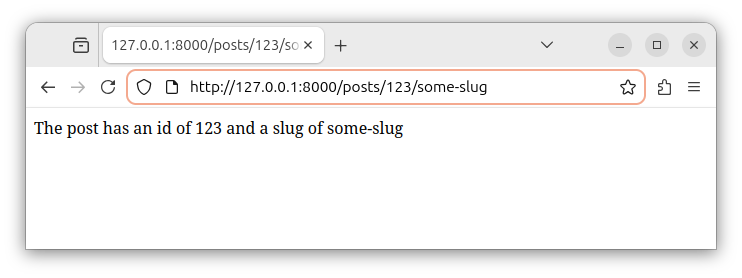
If we access the route with different parameter values, we see the different output:
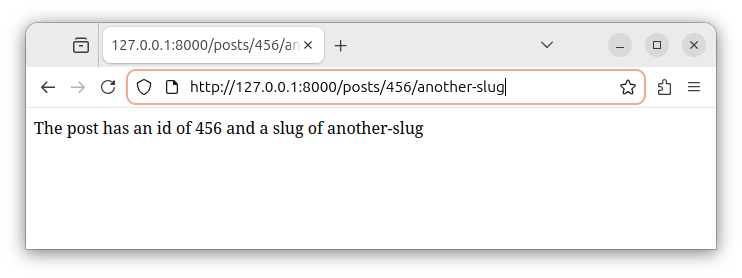
Required and optional parameters
Currently, the above route definitions declare required parameters. To make one of the parameters optional, for example, the slug parameter, we put a question mark at the end of a parameter name {slug?} and assign a default value to a callable's $slug argument. The Route::get() function inside the web.php file now looks like:
<?php

use Illuminate\Support\Facades\Route; // import the Route facade

// define a route with the
// required id and an optional slug parameter

Route::get('/posts/{id}/{slug?}', function (string $id, ?string $slug = null) {
    if (is_null($slug)) {
        return 'The post has an id of ' . $id . ' and no slug';
    } else {
        return 'The post has an id of ' . $id . ' and a slug of ' . $slug;
    }
});
This code defines a route that has a required id parameter and an optional slug parameter. The callable argument $slug that receives the value of an optional parameter {slug} is now declared as nullable. In case the value for the optional parameter is not provided in the GET request, it will have the null value.
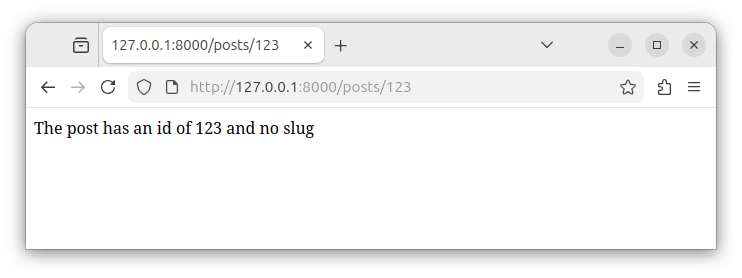
Now, we can access the route and not provide a value for an optional slug parameter:
https://127:0.0.1:8000/posts/123/We see the following output:
Summary:
In this article, we learned how to define a route that can have multiple parameters. In our next tutorial, we will learn how to create and use named routes.


