Hello World Example in Laravel
In this tutorial, we describe how to declare routes for our application and how to display a simple Hello World message in our browser.
Requests and responses
When we type a URL in our web browser and press Enter, we are sending the HTTP GET request for a particular path/resource to a remote server. When a server receives a GET request to a path, it executes some code internally and sends a response. The server response usually contains some HTML code that is then rendered by our web browser.
Paths
A website can have multiple resources, also called paths, pages or routes. For example, the root path for our website on a local server is: http://127.0.0.1:8000 or http://localhost:8000. Once we register a domain name and upload the website content to the hosting account, it becomes similar to: http://www.example.com.
We also refer to this address as a base URL or a root path.
Multiple paths
Our website can also have other paths, other pages, such as:
example.com/about
example.com/contact
example.com/blog
These paths are also called pages, routes, or resources. When a server receives a GET request to any of these paths, it executes some code internally and sends a response.
Defining routes in Laravel
In Laravel, we can easily define paths and specify a code to be executed for each path. We use the web.php file and a Route facade. The Route facade exposes a get() function that defines a route and the code to be executed for that route. It has the following signature:
Route::get('/path', action)The action is usually some code in the form of a closure. A closure is a nameless/anonymous function that can be used as a parameter to other functions. A closure has the following signature:
function(){
    // some code
}
A closure as a parameter to the Route::get() function has the following signature:
Route::get('/path',function(){
    // some code
});
To send a Hello World response/message back to the user when a root path is requested, inside the web.php file we write:
Route::get('/',function(){
    return 'Hello World';
});
On a local server the root path is http://127.0.0.1:8000. When we type this URL in the browser window and press Enter, we receive a Hello World string from the server.
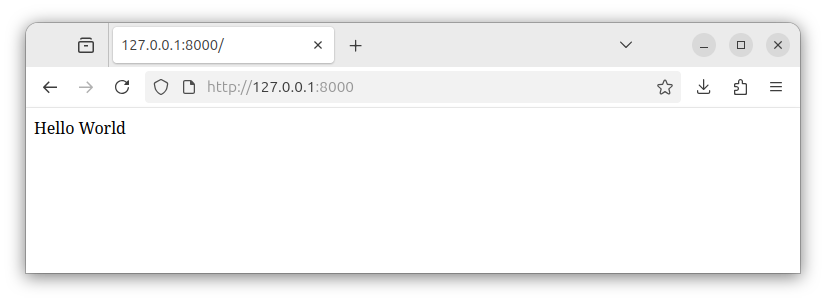
To declare another path, for example, the /about section, and specify another message when this resource is requested, we add another route to our web.php file:
Route::get('/about', function () {
    return 'This is the about section.';
});
Now, when we try to access the /about path, the server executes another code and we receive a different message:
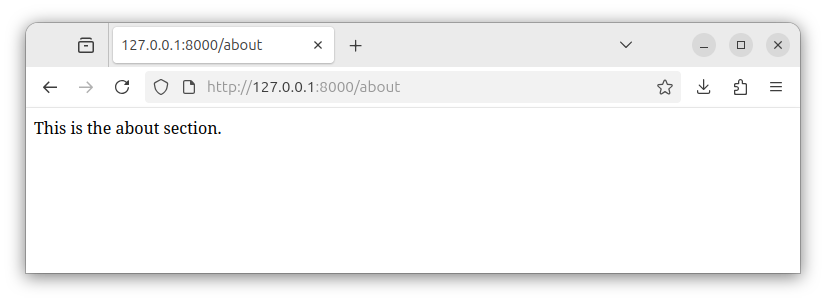
The complete content of our web.php file now looks like:
<?php

use Illuminate\Support\Facades\Route; // import the Route facade

Route::get('/', function () { // define a base route
    return 'Hello World'; // return a string for this route
});

Route::get('/about', function () { // define the /about route
    return 'This is the about section.'; // return a string for this route
});
Summary
Inside the web.php file, we defined two routes for our app and connected those routes with appropriate code to be executed. For this task, we used the Route facade and its Route::get() function.
In the next article, we will learn how to display the HTML code in our Laravel app.


