Exercise - a Route With Multiple Parameters
In this exercise, we will define and utilize a multi-parameter route in our Laravel app. The exercise requirements are:
- Create a Laravel project.
- Define a posts table that has id, slug, and other columns.
- Define a model that represents a posts table.
- Define a route that displays a single post and has two parameters:
{id}and{slug}. - Fetch a single record whose id and slug columns match the
{id}and{slug}parameters. - Create a view that renders the HTML code.
- Display the record in a browser.
Creating a Laravel project
In the terminal, create a new Laravel project:
laravel new laravel-multiple-parametersChoose the default project options and opt for a MySQL database.
Navigate to the project's folder:
cd laravel-multiple-parametersAnd start a local server with:
composer run devOr with:
php artisan serveCreating a table
Open a new terminal window and create a migration that creates a posts table:
php artisan make:migration create_posts_table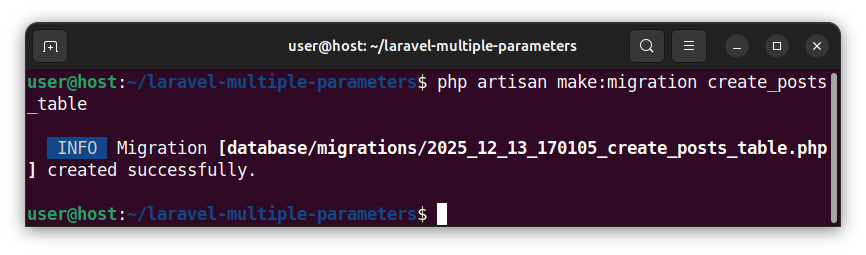
Open the newly created migration file (ending with the create_posts_table.php wording). Modify the prefilled Schema::create() function and add the slug, title, and post_text columns. The entire Schema::create() function now looks like:
Schema::create('posts', function (Blueprint $table) {
    $table->id();
    $table->string('slug');
    $table->string('title');
    $table->text('post_text');
    $table->timestamps();
});
Running a migration
Run the migration to insert the table into a database:
php artisan migrate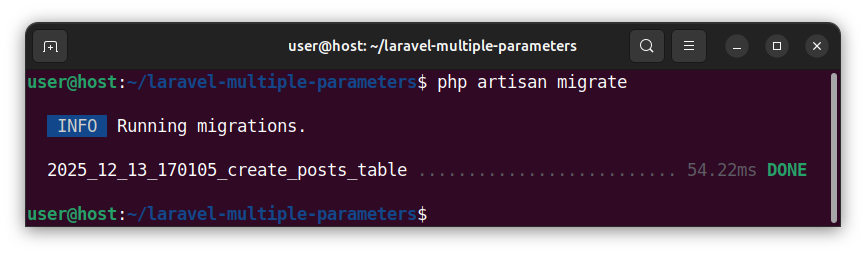
Inserting sample records
To insert a few sample records into the posts table, start the tinker tool in the terminal:
php artisan tinkerAnd paste and execute the following code:
DB::table('posts')->insert([
    [
        'slug' => 'first-post',
        'title' => 'This is the first post',
        'post_text' => "This is the first post's sample text.",
        'created_at' => now(),
        'updated_at' => now(),
    ],
    [
        'slug' => 'second-post',
        'title' => 'This is the second post',
        'post_text' => "This is the second post's sample text.",
        'created_at' => now(),
        'updated_at' => now(),
    ],
    [
        'slug' => 'third-post',
        'title' => 'This is the third post',
        'post_text' => "This is the third post's sample text.",
        'created_at' => now(),
        'updated_at' => now(),
    ],
]);
exit;
Creating a model
To create a Post model that represents the posts table, in the terminal, we write:
php artisan make:model Post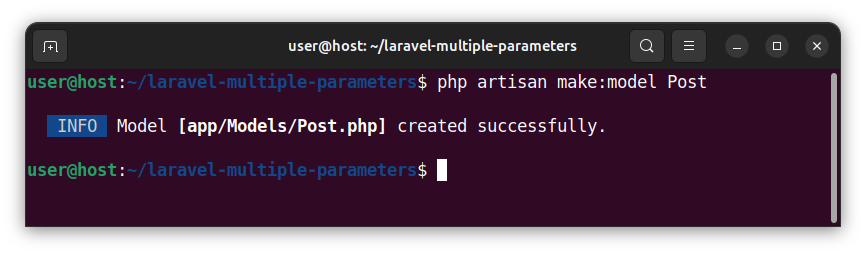
Defining a route with multiple parameters
To define a route that has two parameters, open the web.php file and paste the following code:
<?php

use App\Models\Post;
use Illuminate\Support\Facades\Route;

Route::get('/showpost/{id}/{slug}', function (string $id, string $slug) {
    $myPost = Post::where('id', $id)
        ->where('slug', $slug)
        ->firstOrFail();
    return view('postview', ['myPost' => $myPost]);
});
This code defines a /showpost/{id}/{slug} route with two parameters, {id} and {slug}. The code also defines a callable that receives the parameters' values and uses them to fetch a single record from a posts table. The code uses a Post model to query for a record whose id column matches the {id} parameter value and whose slug column matches the {slug} parameter value. Then, the code passes the fetched record to a view and returns/displays a view.
Creating a view
To create a view (a blade template file) called, for example, postview, in the terminal, we write and execute:
php artisan make:view postview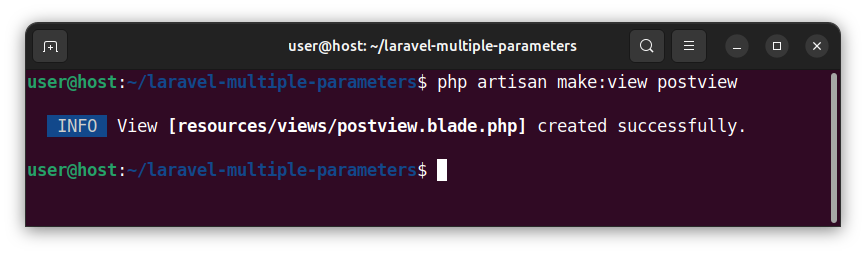
Open the newly created resources/views/postview.blade.php file and paste the following code:
<!DOCTYPE html>
<html lang="en">
<head>
    <meta charset="UTF-8">
    <meta name="viewport" content="width=device-width, initial-scale=1.0">
    <title>Laravel Exercise - Multiple Parameters</title>
</head>
<body>
    <h1>Laravel Exercise</h1>
    <p>Showing a single record whose id and slug columns match the {id} and {slug} parameters:</p>
    <h2>{{ $myPost->id }}</h2>
    <h3>{{ $myPost->slug }}</h3>
    <h4>{{ $myPost->title }}</h4>
    <p>{{ $myPost->post_text }}</p>
</body>
</html>
This code uses several blade echo {{ }} statements to print the record's column values. The record is stored inside the $myPost variable, and individual columns are accessed and printed out using the {{ $myPost->column_name }} syntax.
Showing the result in a browser
When we access the local http://127.0.0.1:8000/showpost/2/second-post address in a browser, we see the following output:
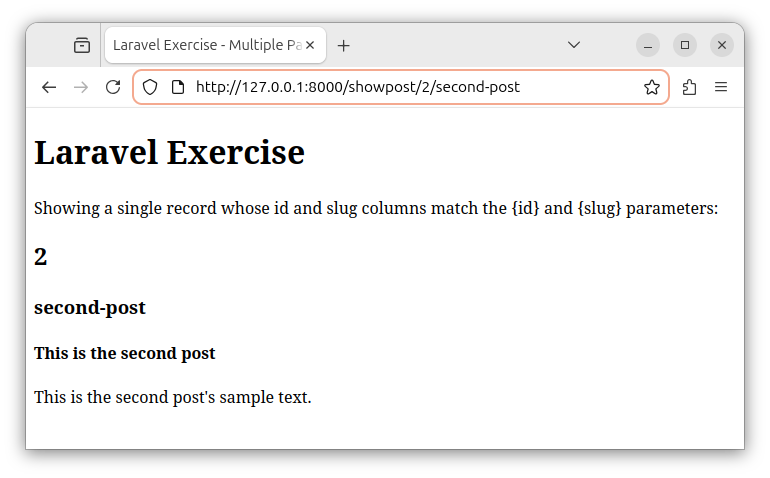
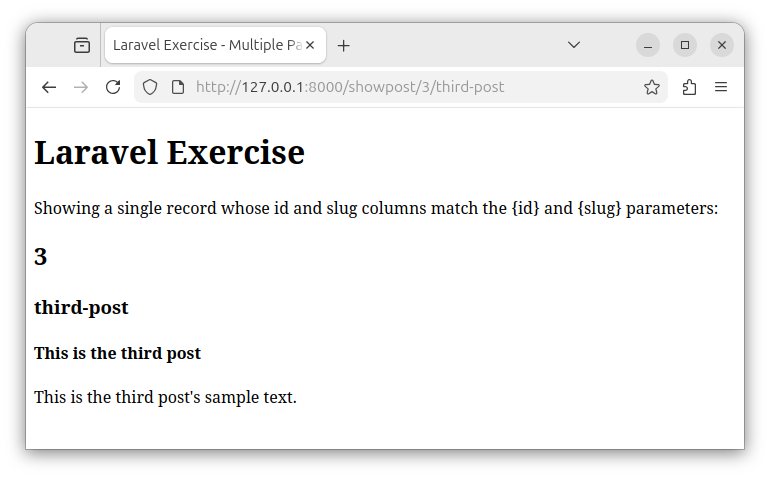
If we access the route with different parameters, as in the http://127.0.0.1:8000/showpost/3/third-post URL, we see a different record being fetched from a database and displayed in our browser: