Exercise - Defining a Single Route
In a Laravel app, define a single route that represents the base URL (the base web address). Return a simple string as a server response for this route.
Defining a single route
To define a single, base route for our Laravel app, we add the following code to our web.php file:
Route::get('/', function () {
    return ('This is the base URL.');
});
The Route::get() function defines a path (route) and connects this path with a code to be executed. The first parameter is the root path '/'. The second parameter is the callable (anonymous function) that returns a simple string for that route.
The complete content of the web.php file now looks like the following:
<?php

use Illuminate\Support\Facades\Route; // import the Route facade

Route::get('/', function () {  // define a base route and using a callable
    return ('This is the base URL.');  // return a string for this route
});
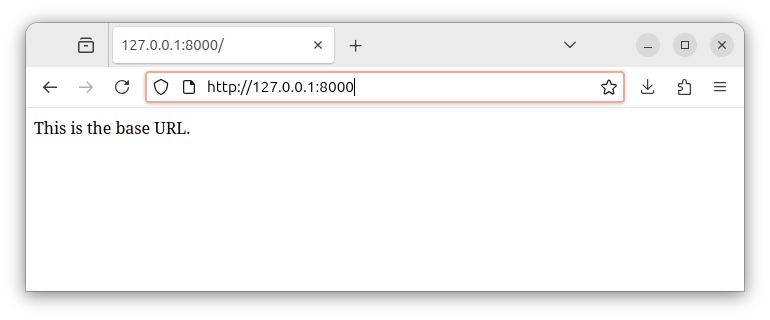
On a local development server, the base route URL is http://127.0.0.1:8000 or http://localhost:8000. When we enter the base address in our browser, the server generates a response containing our string and the browser displays the string:
Note: both the Route::get() function call and the path ('/' or /'some_path') itself are also referred to as routes. These names are used interchangeably.
Summary
We used the Route::get() function to define a route and specify a code to be executed for this route. In our exercise, the code returns a simple string as a response for a route. The entire Route::get() statement is placed inside our web.php file.
In our next exercise, we will define multiple paths/routes and return a different string for each of these routes.


