Exercise - Creating Tables and Columns
In this exercise, we will create a table with several, user-defined columns in Laravel.
Exercise description
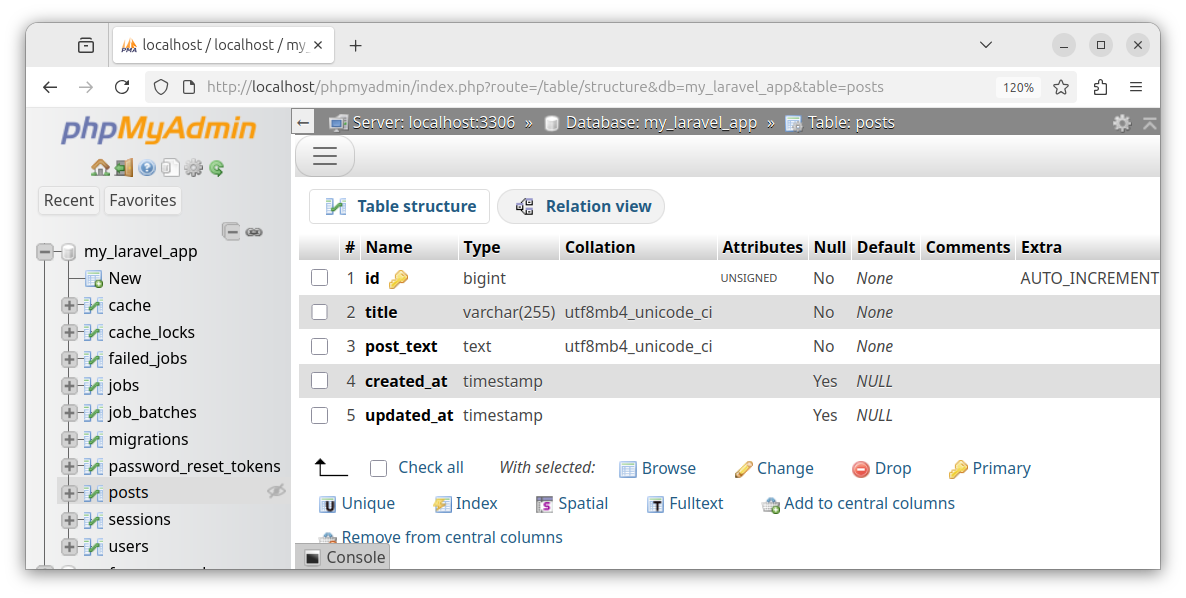
In a Laravel project, create a migration file that automatically creates a table called posts. Remove the code that creates default columns, and define the following table columns:
- id - auto-incrementing, primary key, unique index
- title - of type VARCHAR(255)
- post_text - of type TEXT
- created_at - of type TIMESTAMP
- updated_at - of type TIMESTAMP
Run the migration and create a table. Inspect the content of a table.
Creating a migration file
To create and prefill the migration file, we use the following artisan command in a terminal window:
php artisan make:migration create_posts_tableThis command creates a time-stamped migration file:
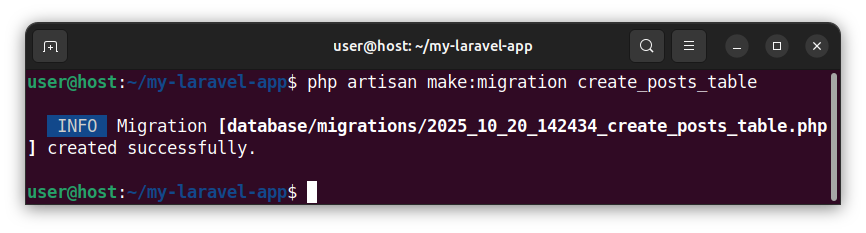
We open the newly created migration file from the database/migrations folder. The file is named similarly to 2025_10_20_142434_create_posts_table.php. This migration file is prefilled with the source code that creates a table with a few default columns. We can remove the following columns from the Schema::create() function that were created by default:
$table->id();
$table->timestamps();
So that our Schema::create() function now looks like the following and has an empty function body:
Schema::create('posts', function (Blueprint $table) {

});
Adding columns to a table
Inside the Schema::create() function, we add our table columns:
Schema::create('posts', function (Blueprint $table) {
    $table->id(); // add the auto-incrementing, unique index, primary key field named 'id'
    $table->string('title'); // add the VARCHAR field
    $table->text('post_text'); // add the TEXT field
    $table->timestamps(); // add the created_at and updated_at TIMESTAMP fields
 });
Invoking a migration
To run the above code, we invoke a migration in a terminal window:
php artisan migrate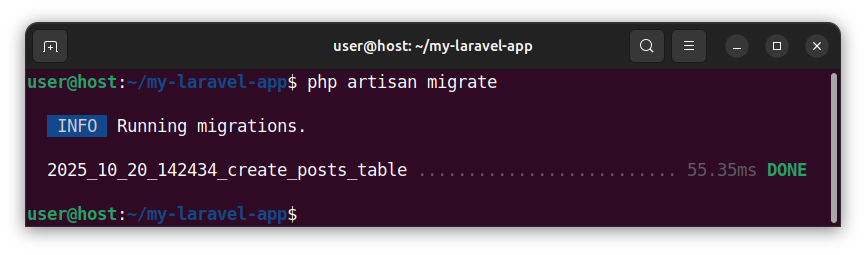
The migration runs and executes the code inside the up() method. The up() method contains our Schema::create() function which creates the table and table columns.
We can inspect the structure of a newly created table using the phpMyAdmin software, or the MySQL command-line client:
Dropping a table
To drop the table, we reverse the migration by executing the following command:
php artisan migrate:rollbackHere, the code inside the down() method runs and drops our table.
Summary
In this exercise, we used a migration to create a table and table columns. Inside a migration, we used the Schema::create() function to create a table and add columns to this table. This function call resides inside the up() method of our migration. When we invoke the migration, the code inside the up() method runs and inserts the table with table columns into our database. When we reverse the migration, the code inside the down() method runs and drops the table.


