Including Subviews in a Main Template
In Laravel, we can divide the HTML page into separate template files, called subviews or subtemplates, and include those templates into the main template. We say we include a subview/subtemplate into a main view, into a main template.
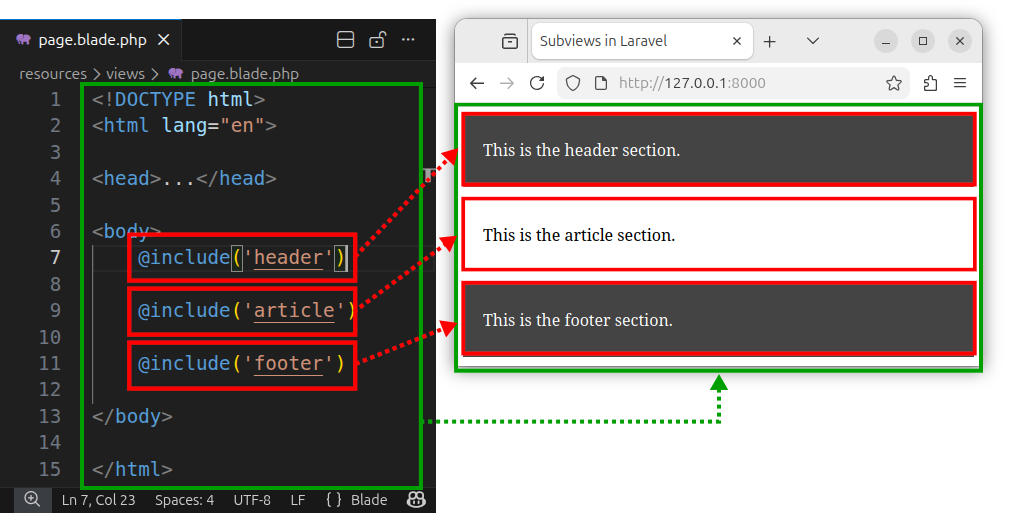
To include the content of another template into our main template, we use the @include directive inside the main template. The include directive has the following syntax:
@include('template_name')The main view
Let us create a template file called page.blade.php and place it inside the resources/views folder. For now, this file will store the complete HTML code for our page:
<!DOCTYPE html>
<html lang="en">

<head>
    <meta charset="UTF-8">
    <meta name="viewport" content="width=device-width, initial-scale=1.0">
    <title>Subviews in Laravel</title>
    <style>
        #header, #footer {
            background-color: #444;
            color: #fff;
            padding: 10px 20px;
        }
        #article {
            padding: 20px;
        }
    </style>
</head>

<body>
    <div id="header">
        <p>This is the header section.</p>
    </div>

    <div id="article">
        <p>This is the article section.</p>
    </div>

    <div id="footer">
        <p>This is the footer section.</p>
    </div>
</body>

</html>
Then, we define a route and return this view to a route using the code inside a web.php file:
<?php

use Illuminate\Support\Facades\Route; // import the Route facade

Route::get('/', function () {  // define a route
    return view('page'); // and return a view
});
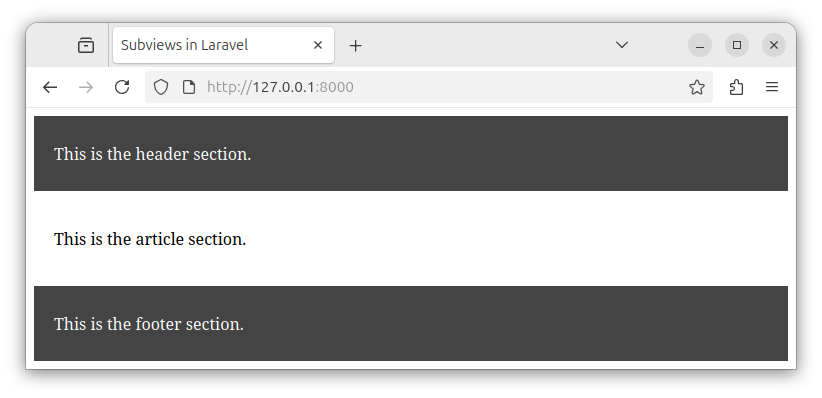
If we access the route in our browser, we see the page content that was created from a single, master template file:
Creating subviews
The HTML code in our page has several sections, marked by several divs. We have:
- The header section
- The article content
- The footer section
We can extract those sections into separate template files. We can break the HTML code into separate template files and then include all the newly created subviews/subtemplates into our main page.blade.php template.
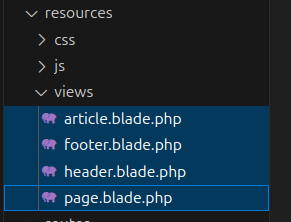
We will create the following three new template files:
- header.blade.php
- article.blade.php
- footer.blade.php
The header.blade.php template file will store the HTML for the header section:
    <div id="header">
        <p>This is the header section.</p>
    </div>
The article.blade.php template file will have the HTML code for the article section:
    <div id="article">
        <p>This is the article section.</p>
    </div>
And, the footer.blade.php template file will hold the footer section HTML code:
    <div id="footer">
        <p>This is the footer section.</p>
    </div>
Including subviews
Now, we can include all these subviews (subtemplates) into our main template using multiple @include directives. We modify our page.blade.php template so that it includes all these other templates:
<!DOCTYPE html>
<html lang="en">

<head>
    <meta charset="UTF-8">
    <meta name="viewport" content="width=device-width, initial-scale=1.0">
    <title>Subviews in Laravel</title>
    <style>
        #header, #footer {
            background-color: #444;
            color: #fff;
            padding: 10px 20px;
        }
        #article {
            padding: 20px;
        }
    </style>
</head>

<body>
    @include('header')

    @include('article')

    @include('footer')

</body>

</html>
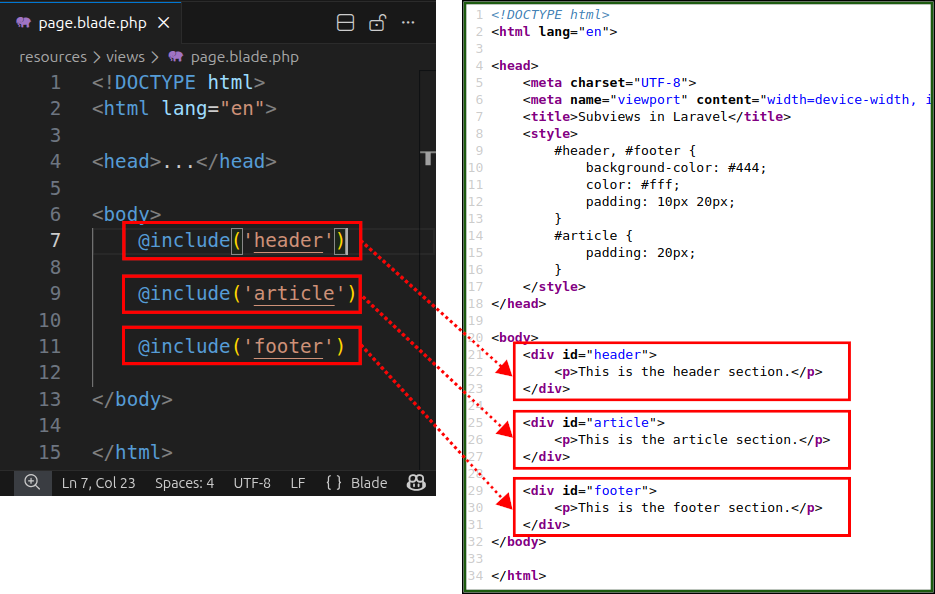
Now, our page.blade.php file has an HTML code of its own and also includes the content of all the included subtemplates:
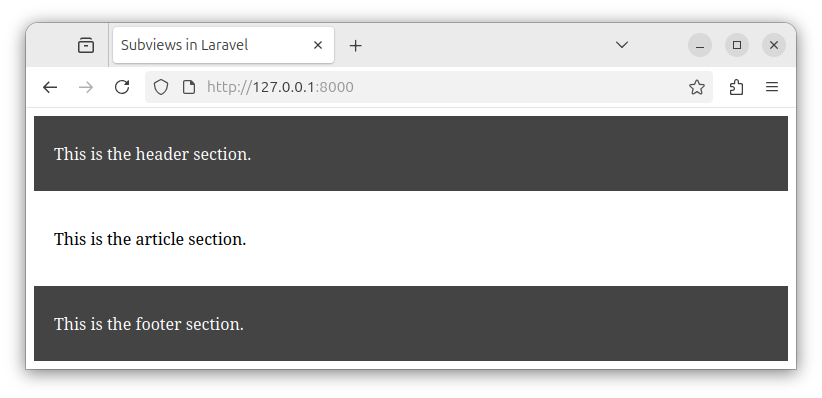
If we access the route in the browser once again, we will see the same HTML page output as before:
Now, we organize the underlying HTML code in several different template files:
Summary
In summary, we can place different sections of our HTML page into separate template files. Then we include all of these subtemplates into our main template and return the main template to the route.
If we need to modify the header content, we edit the HTML code inside the header.blade.php file. If we need to modify the article's HTML, we edit the code inside the article.blade.php file and so on. This way we organize our HTML page source code into more manageable chunks.


