Laravel Controllers Tutorial
When our app becomes more complex, we can move the source code from closures in web.php file to public methods in a Controller class.
Introduction
For this tutorial, we can create a new Laravel project in the terminal.
laravel new laravel-controllers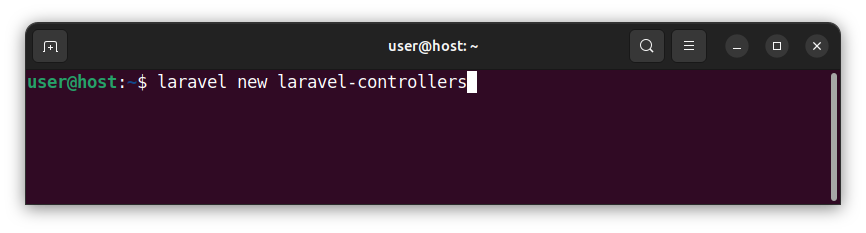
We can go with the default settings and choose the MySQL database option. Navigate to the project's folder and start a local server:
cd laravel-controllers
composer run dev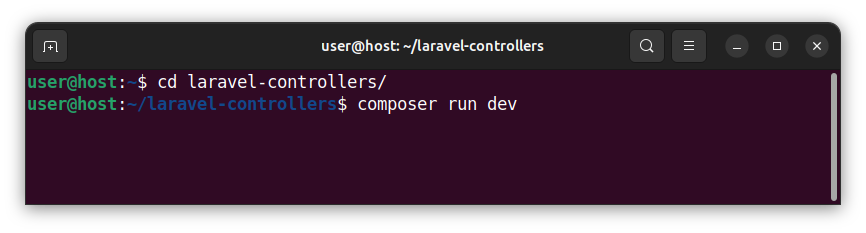
In all our previous tutorials, we kept our request handling logic source code inside closures in a web.php file. Let us open the web.php file and paste the following code:
<?php

use Illuminate\Support\Facades\Route;

// static pages
Route::get('/', function () {
    return 'This is the index route.';
});

Route::get('/about', function () {
    return 'This is the about route.';
});

Route::get('/contact', function () {
    return 'This is the contact route.';
});

// posts
Route::get('/posts', function () {
    return 'Showing all posts.';
});

Route::get('/posts/showpost/{id}', function (string $id) {
    return 'Showing a post with an id of '. $id. '.';
});
This code defines several routes and uses closures to store the code that handles those routes. For simplicity, all closures simply return a string for a given route. We can roughly group the above routes into two related categories:
- Static pages - the index page, the about page and the contact page.
- Pages related to posts - show all posts page and show a single post page.
What is a Controller?
When our code becomes more complex, we might want to organize our source differently and move the code from closures in a web.php file to a dedicated Controller class.
A Controller or a controller class is a class to which we can add several public methods holding our request handling source code. Then, we reference those controllers and their methods from a route handling function inside a web.php file.
Creating Controllers
In this tutorial, we will create two simple controllers and move all the code from the web.php closures to these newly created controller classes. We will create a:
- PageController - a controller that handles requests to index, about and contact static pages.
- PostController - a controller that handles routes/requests related to posts.
The PageController controller
The first controller will be called PageController and it will store the code that handles static pages. In the terminal, we write:
php artisan make:controller PageController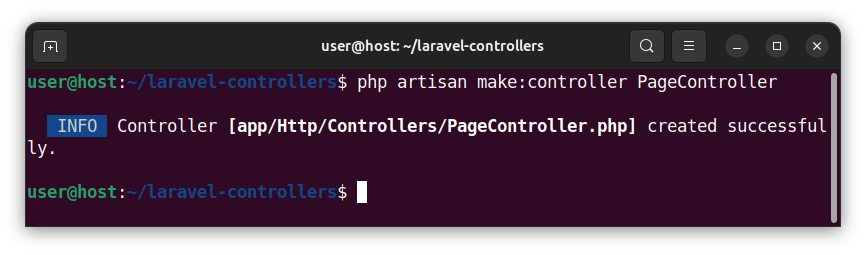
This command creates a PageController.php inside the app/Http/Controllers/ folder. The file stores an empty PageController class that currently has no methods.
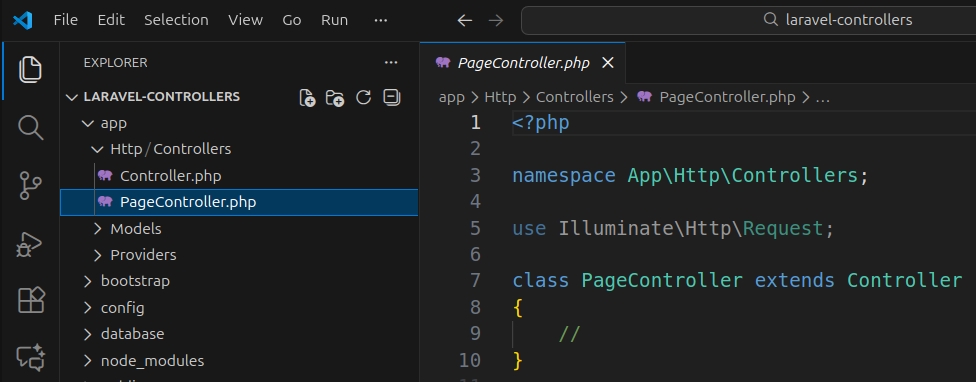
Let us open the PageController.php file and paste the following code:
<?php

namespace App\Http\Controllers;

use Illuminate\Http\Request;

class PageController extends Controller
{
    //
    public function index()
    {
        return 'This is the index route.';
    }

    public function about()
    {
        return 'This is the about route.';
    }

    public function contact()
    {
        return 'This is the contact route.';
    }
}
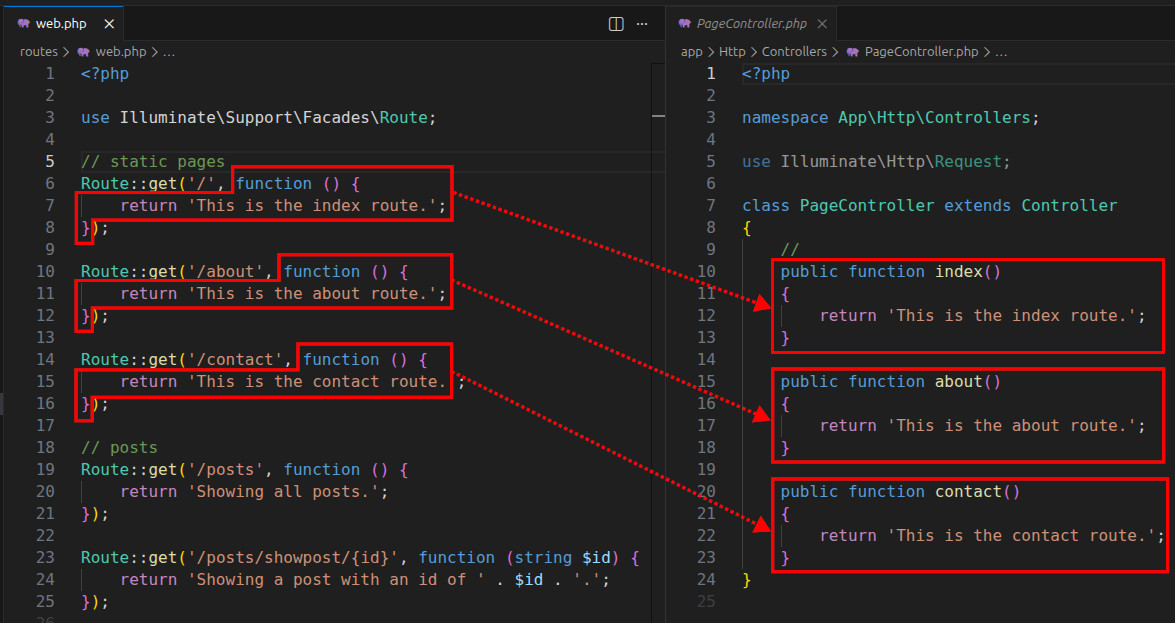
This code defines three public methods, called index(), about(), and contact().
The first method, called index(), now stores the source code for the '/' index route. We moved the source code from the first closure inside a web.php to this method.
    public function index()
    {
        return 'This is the index route.';
    }
The second method, called about(), stores the source code that handles the '/about' route. This code was previously inside a closure that handled the '/about' route:
    public function about()
    {
        return 'This is the about route.';
    }
Finally, we create a third public method, called contact() that handles the '/contact' route. We move the source code from a third closure inside the web.php file to this new method.
    public function contact()
    {
        return 'This is the contact route.';
    }
Note: Other controller method names are also possible. In this example, we opted to use the index, about and contact names.
Modifying the web.php file - part 1
Now, we modify the source code in the web.php file so that it uses the PageController class and its methods instead of closures. Open the web.php file and paste the following source code:
<?php

use App\Http\Controllers\PageController;
use Illuminate\Support\Facades\Route;

// static pages
Route::get('/', [PageController::class, 'index']);

Route::get('/about', [PageController::class, 'about']);

Route::get('/contact', [PageController::class, 'contact']);

// posts
Route::get('/posts', function () {
    return 'Showing all posts.';
});

Route::get('/posts/showpost/{id}', function (string $id) {
    return 'Showing a post with an id of ' . $id . '.';
});
The following line ncludes the PageController class in our web.php file:
use App\Http\Controllers\PageController;The modified Route::get() call defines an index path and has a callable array as a second argument. The callable specifies the controller class and an index() method (in that class) to be used/called as a handler for the '/' index route.
Route::get('/', [PageController::class, 'index']);The modified Route::get() function call for the /about route defines an '/about' path and invokes the about() method of the PageController class for that path.
Route::get('/about', [PageController::class, 'about']);Finally, the next line of code defines a '/contact' path and calls the PageController's contact() method for that path.
Route::get('/contact', [PageController::class, 'contact']);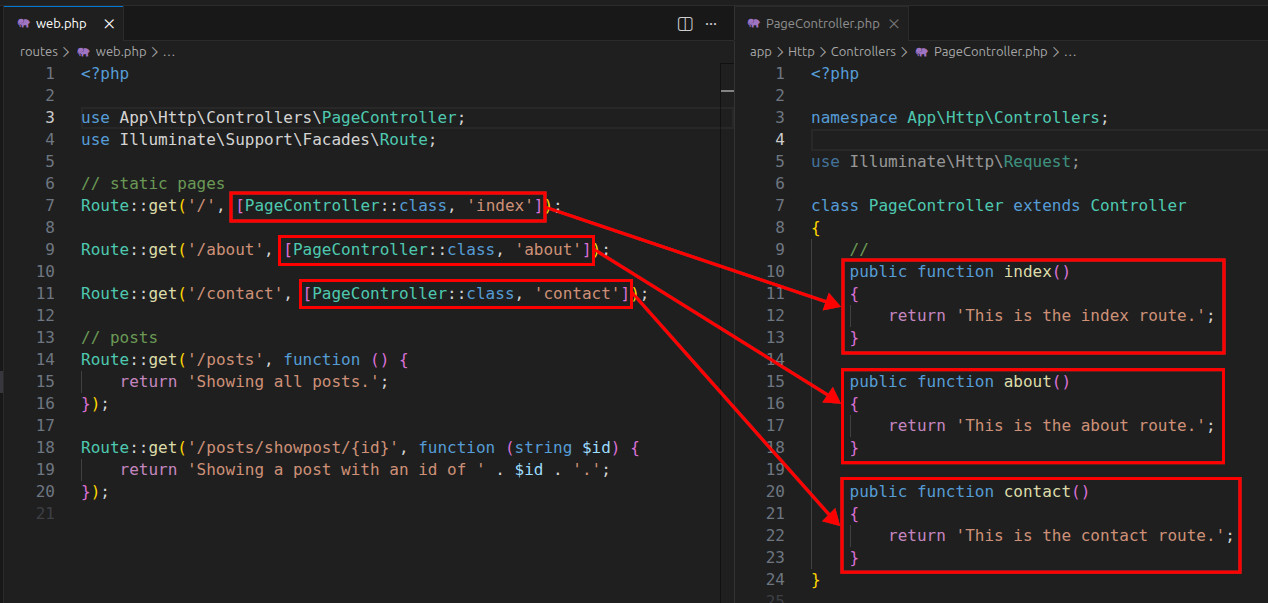
Creating a PostController controller
Now, we will create a second controller which will handle all the routes/requests related to posts. In the terminal, we write:
php artisan make:controller PostController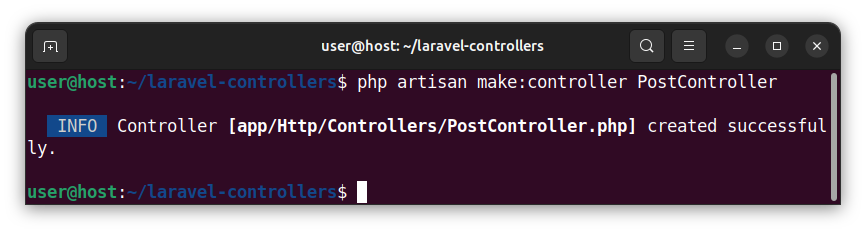
Open the newly created app/Http/Controllers/PostController.php file and paste the following code:
<?php

namespace App\Http\Controllers;

use Illuminate\Http\Request;

class PostController extends Controller
{
    public function index()
    {
        return 'Showing all posts.';
    }

    public function show(string $id)
    {
        return 'Showing a post with an id of ' . $id . '.';
    }
}
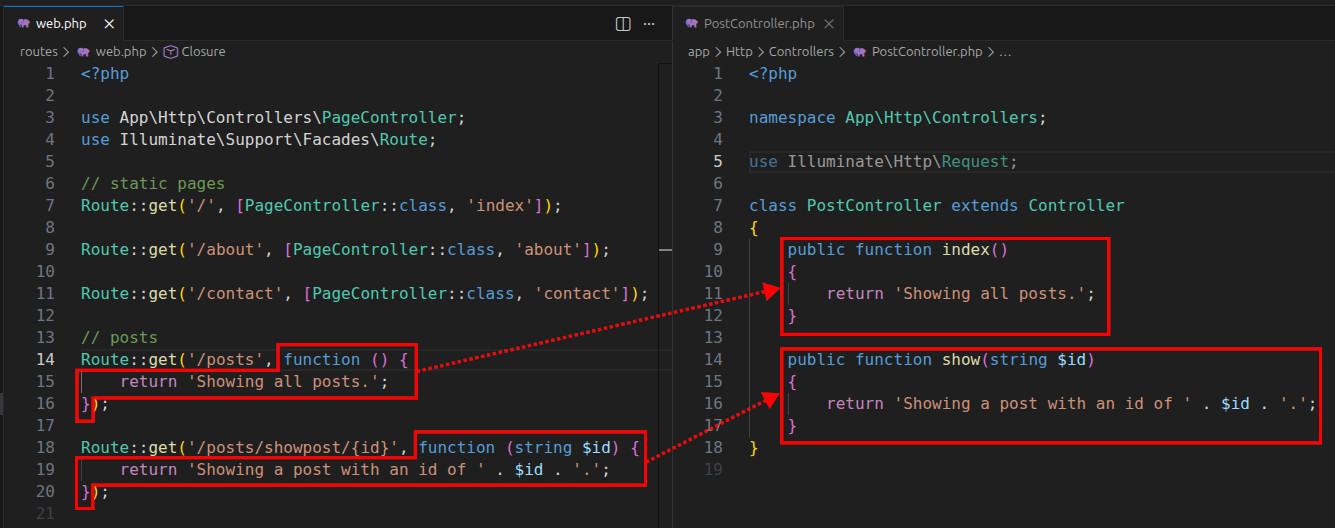
This code defines two public methods. The first method is called index() and it will handle the '/posts' route. The second method is called show(string $id) and it handles the parameterized route '/posts/showpost/{id}'. We want to move the code from closures inside a web.php file to public methods in our PostController.php file:
Modifying the web.php file - part 2
Open the web.php file and paste the following code, replacing the previous code:
<?php

use App\Http\Controllers\PageController;
use App\Http\Controllers\PostController;
use Illuminate\Support\Facades\Route;

// static pages
Route::get('/', [PageController::class, 'index']);

Route::get('/about', [PageController::class, 'about']);

Route::get('/contact', [PageController::class, 'contact']);

// posts
Route::get('/posts', [PostController::class, 'index']);

Route::get('/posts/showpost/{id}', [PostController::class, 'show']);
Now, our web.php file also uses the PostController class:
use App\Http\Controllers\PostController;And uses the PostController's index() method to handle the '/posts' route:
Route::get('/posts', [PostController::class, 'index']);The last Route::get() function inside our web.php file uses the PostController's show(string $id) parametrized method to handle the '/posts/showpost/{id}' parametrized route:
Route::get('/posts/showpost/{id}', [PostController::class, 'show']);The value of the route's {id} parameter will be passed to the show method's $id parameter.
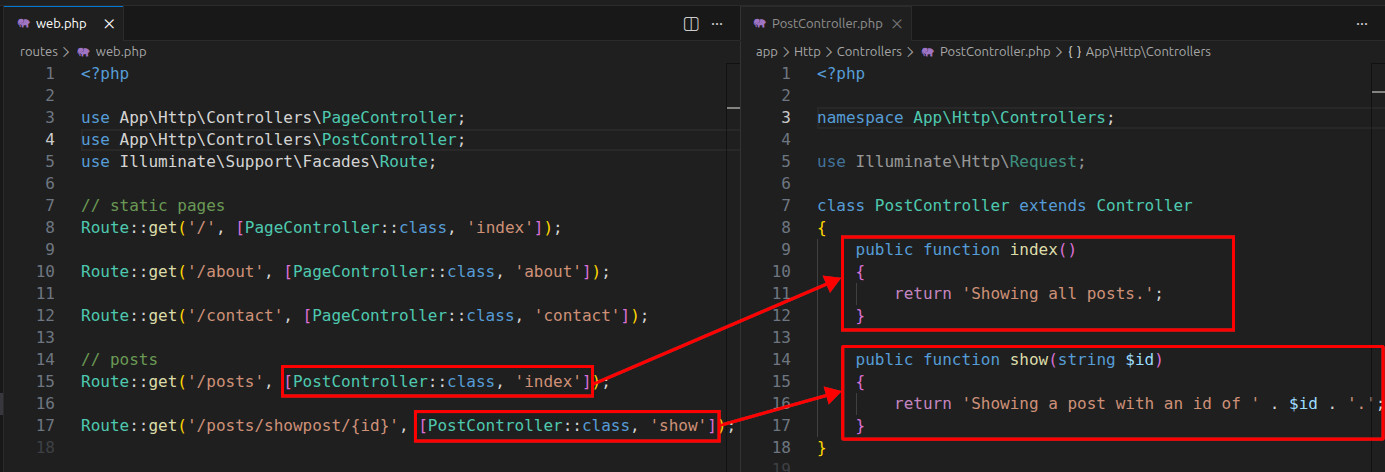
In summary, we moved all our request handling logic to two Controller classes and their public methods. Then, we simply reference those methods in our route file.
Why use a Controller?
We can use a Controller to:
- Better organize our code.
- Group the related code together.
- Connect models with views.
If we did not use controllers, we might end up with a big web.php file with many closures and lines of code which would be hard to maintain.
In the upcoming tutorials, we will learn how to display, insert, edit and delete records using Controllers.


