Exercise - Defining Multiple Routes
In an existing Laravel app, define multiple routes and return a different string for each route. Display all routes in a browser.
Defining multiple routes
To define multiple routes for our Laravel app, we add multiple Route::get() function calls to our web.php file. Each function call specifies a different path. Add the following code to the web.php file:
Route::get('/', function () {
    return ('This is the base URL.');
});

Route::get('/about', function () {
    return ('This is the About Us page.');
});

Route::get('/contact', function () {
    return ('This is the Contact Us page.');
});
Accessing different routes in browser
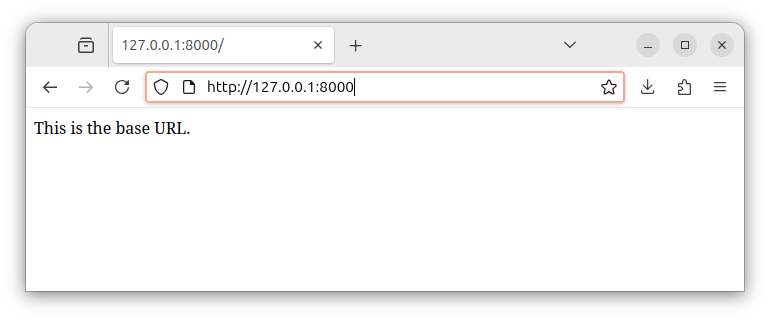
To access the base route on a local server, we enter the http://127.0.0.1:8000 or http://localhost:8000 address in our browser. This address is connected with the following response containing our simple string:
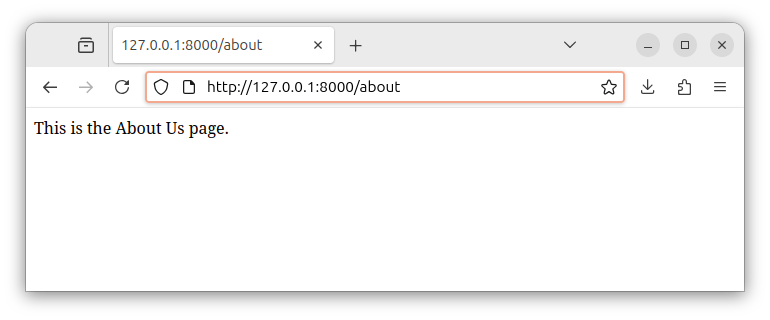
To access the about page of our app (on a local server), we enter the http://127.0.0.1:8000/about or http://localhost:8000/about address in our browser and observe a different response string:
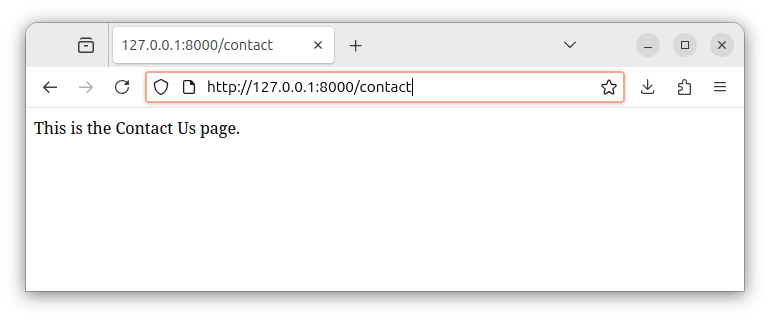
And finally, since we also defined a third route called /contact, we can access this Contact Us page through the http://127.0.0.1:8000/contact or the http://localhost:8000/contact address in our browser. The browser renders the server's response which contains the previously defined string for this particular route.
Explanation
Each Route::get() function call defines a separate route and specifies a different string response for that route.
The first route definition
The first function call defines the root path '/' and a response string for this path:
Route::get('/', function () {
    return ('This is the base URL.');
});
The second route definition - the About Us page
To define another route, for example, the About Us page accessible at the /about path, we add another Route::get() statement to our web.php file, with a different path and a different response string:
Route::get('/about', function () {
    return ('This is the About Us page.');
});
The third route definition - the Contact Us page
To add, for example, the Contact Us page which will be accessible at the /contact path, we add the following code:
Route::get('/contact', function () {
    return ('This is the Contact Us page.');
});
Each Route::get() function call defines a separate route/path and connects this route with a code to be executed. The code is a callable that simply returns a string for a particular path.
The complete content of the web.php file now looks like the following:
<?php

use Illuminate\Support\Facades\Route; // import the Route facade

Route::get('/', function () {  // define a base route
    return ('This is the base URL.');  // and return a string for this route
});

Route::get('/about', function () {  // define the about path/route
    return ('This is the About Us page.');  // and return a string for this route
});

Route::get('/contact', function () {  // define the contact path/route
    return ('This is the Contact Us page.');  // and return a string for this route
});
In our next exercise, instead of returning a simple string, we will return a view containing the HTML code from a template file.


