Displaying Records Using a Controller
In this Laravel tutorial, we will learn how to use a Controller to:
- Fetch and display all records.
- Find and display a single record.
Use the existing Laravel project or create a new one in the terminal:
laravel new laravel-controllersStart a local server with:
composer run devOr with:
php artisan serveCreating the articles table
Navigate to the project's folder and create a migration:
php artisan make:migration create_articles_table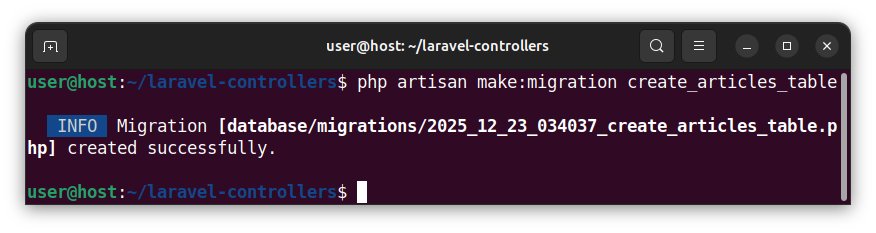
Open the newly created migration file whose name ends with the _create_articles_table.php and paste the following code:
<?php

use Illuminate\Database\Migrations\Migration;
use Illuminate\Database\Schema\Blueprint;
use Illuminate\Support\Facades\Schema;

return new class extends Migration
{
    /**
     * Run the migrations.
     */
    public function up(): void
    {
        Schema::create('articles', function (Blueprint $table) {
            $table->id();
            $table->string('title');
            $table->text('article_text');
            $table->timestamps();
        });
    }

    /**
     * Reverse the migrations.
     */
    public function down(): void
    {
        Schema::dropIfExists('articles');
    }
};
This code create the articles table with the following columns:
- id
- title
- article_text
- created_at
- updated_at
To modify the database's schema and insert this table into a database, run a migration:
php artisan migrateInserting sample records
To insert a few sample records to our articles table, start a tinker command-line tool:
php artisan tinker
And paste and execute the following code:
DB::table('articles')->insert([
    [
        'title' => 'Article no. 1',
        'article_text' => 'The text for the first article.',
        'created_at' => now(),
        'updated_at' => now(),
    ],
    [
        'title' => 'Article no. 2',
        'article_text' => 'The text for the second article.',
        'created_at' => now(),
        'updated_at' => now(),
    ],
    [
        'title' => 'Article no. 3',
        'article_text' => 'The text for the third article.',
        'created_at' => now(),
        'updated_at' => now(),
    ],
]);
exit;
This code inserts several sample records into the articles table and exits the tinker tool.
Creating an Article model
To create an Article model that represents our articles table, we execute the following command in a terminal:
php artisan make:model Article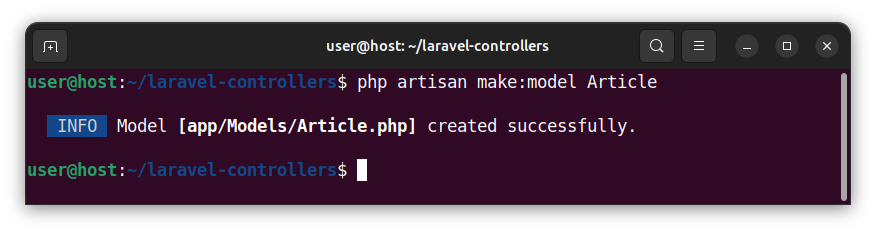
This command creates the app/Models/Article.php file having an Article model that represents our articles table. Using naming conventions, this model directly maps to/represents our articles table and no additional work is needed for the model. We will use this model to fetch records.
Creating the ArticleController controller
We will create a controller that:
- Handles the articles-related routes.
- Queries records.
- Returns views and displays records.
In the terminal window, we execute the following command:
php artisan make:controller ArticleController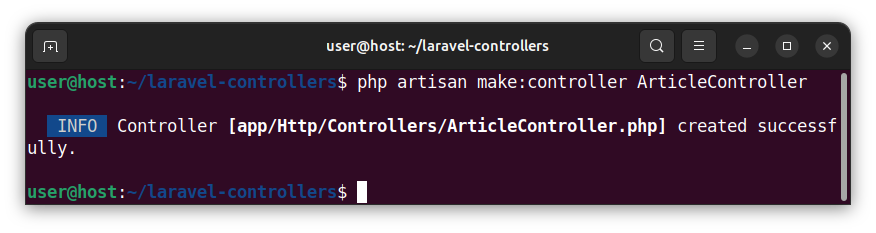
This command creates an ArticleController.php file, prefills it with an empty ArticleController class and places it inside the app/Http/Controllers/ folder. Let us open the ArticleController.php file and paste the following code:
<?php

namespace App\Http\Controllers;

use App\Models\Article;
use Illuminate\Http\Request;

class ArticleController extends Controller
{
    public function index() // show all records
    {
        $myArticles = Article::all(); // fetch all records
        return view('articles', ['myArticles' => $myArticles]); // return a view with all the records
    }

    public function show(string $id) // show a single record
    {
        $myArticle = Article::where('id', $id)->firstOrFail(); // find a single record by an id column
        return view('show-article', ['myArticle' => $myArticle]); // return a view with a single record
    }
}
This code uses the previously-created Article class via the following statement:
use App\Models\Article;We have also created two public methods for the ArticleController class, called index() and show(string $id).
The index() public method
The index() public function is used for handling the '/articles' route and displaying all the records in a view. It uses the Article model to fetch all the records from an articles table and store them in a local $myArticles variable:
$myArticles = Article::all(); // fetch all recordsThen, it passes the $myArticles collection to the articles view and returns an articles view.
return view('articles', ['myArticles' => $myArticles]); // return a view with all the recordsNote: The articles view (Blade template file) will be created in the next section.
The show(string $id) public method
The show(string $id) method will be used to handle the 'articles/'showarticle/{id}' parameterized route. This method accepts the value of the {id} parameter and passes it to the $id argument. It uses the $id argument and the Article model to find a single record whose id column matches the $id value and store the result in the $myArticle local variable.
$myArticle = Article::where('id', $id)->firstOrFail(); // find a single record by an id columnNext, it passes the $myArticle variable/collection to a show-article view and displays/returns this view.
return view('show-article', ['myArticle' => $myArticle]); // return a view with a single recordNote: We will create the show-article view in the next section.
In summary, our ArticleController class now handles two routes, queries records and displays views. The first method lists all the records and the second method lists a single record. Both methods return views.
Creating views
In this section, we will create two views named articles and show-article.
Creating the 'articles' view
To create the articles view, in the terminal we write:
php artisan make:view articles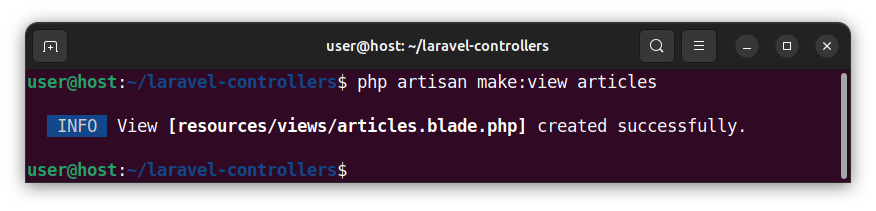
Open the newly created articles.blade.php file and paste the following code:
<!DOCTYPE html>
<html lang="en">
<head>
    <meta charset="UTF-8">
    <meta name="viewport" content="width=device-width, initial-scale=1.0">
    <title>Showing All Records</title>
</head>
<body>
    <h1>Showing All Records</h1>

    @foreach ($myArticles as $myArticle)
    <h2>{{ $myArticle->title }}</h2>
    <p>{{ $myArticle->article_text }}</p>
    @endforeach

</body>
</html>
This code uses the @foreach directive to loop over the $myArticles variable/collection and display all the records in a collection. We use the blade echo {{ }} statements to print out the value of a particular column using the following syntax {{ $record_name->column_name }}.
Creating the 'show-article' view
To create the show-article view, in the terminal we write:
php artisan make:view show-article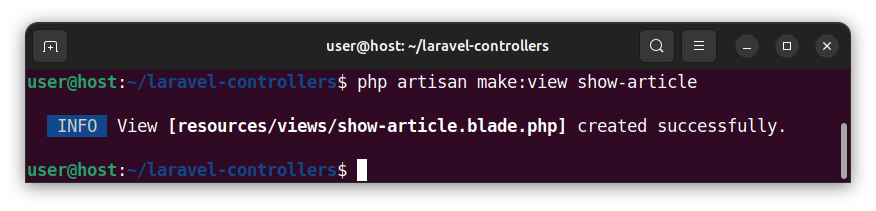
Open the newly created show-article.blade.php file and paste the following code:
<!DOCTYPE html>
<html lang="en">
<head>
    <meta charset="UTF-8">
    <meta name="viewport" content="width=device-width, initial-scale=1.0">
    <title>Showing A Single Record</title>
</head>
<body>
    <h1>Showing A Single Record</h1>

    <h2>{{ $myArticle->title }}</h2>
    <p>{{ $myArticle->article_text }}</p>

</body>
</html>
This code uses the $myArticle variable to display a single record in a web page.
Connecting routes with controllers
Open a web.php file and paste the following code:
<?php

use App\Http\Controllers\ArticleController;
use Illuminate\Support\Facades\Route;

Route::get('/articles', [ArticleController::class, 'index']);
Route::get('/articles/showarticle/{id}', [ArticleController::class, 'show']);
Explanation
This code uses the following statement to include the ArticleController class into the web.php file:
use App\Http\Controllers\ArticleController;The following statement uses the Route::get() function to define the '/articles' route and invoke the ArticleController's index() method for that route:
Route::get('/articles', [ArticleController::class, 'index']);The following statement defines a parameterized '/articles/show-article{id}' route and uses/invokes the show(string $id) method for this route:
Route::get('/articles/showarticle/{id}', [ArticleController::class, 'show']);Displaying records in a browser
If we access the '/articles' route in a browser, the browser displays the HTML code that shows all the records from the articles table:
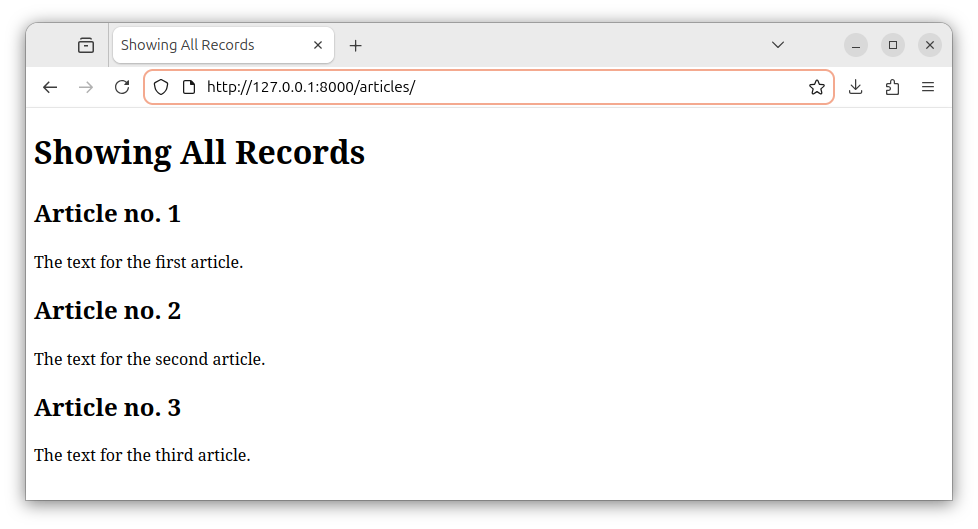
If we access the '/articles/showarticle/2' route in a browser, we see the HTML output which shows a single record with an id of 2:
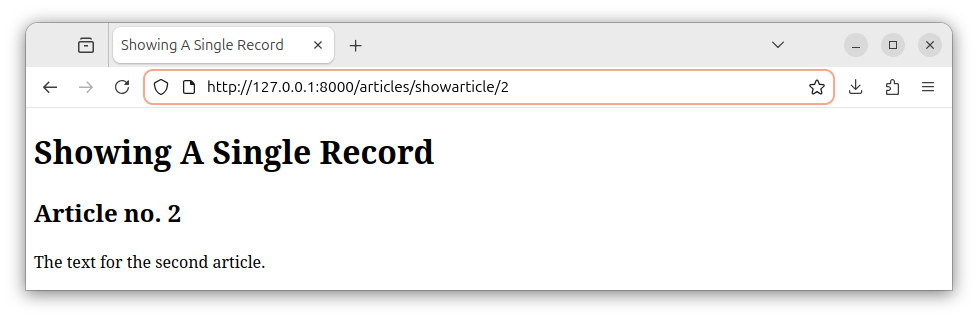
Note: By some widely adopted naming conventions, the controller method that displays all the records should be called index and the controller method that shows a single record should be named show. Similarly, the template that shows all the records can be named index.blade.php and the template that shows a single record can be named show.blade.php.


