Laravel Folders - Overview
Laravel is mainly a PHP framework, but it also includes several third-party libraries and several non-PHP files as well. The Laravel project consists of multiple files organized into multiple folders and sub folders.
We do not have to remember all the files and folders by heart, but we should be aware of several important ones.
The root (base) folder
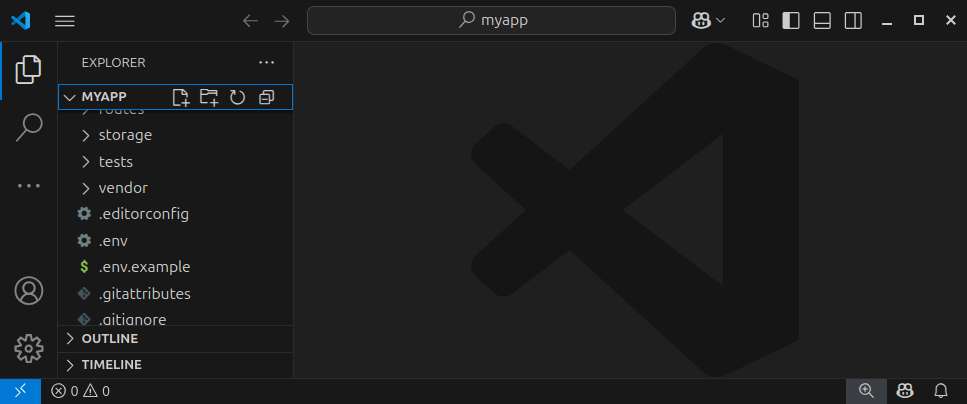
The root (base) folder (in our case, the myapp/ folder) contains the files and folders that make up our Laravel app. One of those files is the .env file which stores important environment variables such as the database name, credentials and other settings.
This folder and its content were created when we created our Laravel app using the laravel new myapp command.
The public/ folder
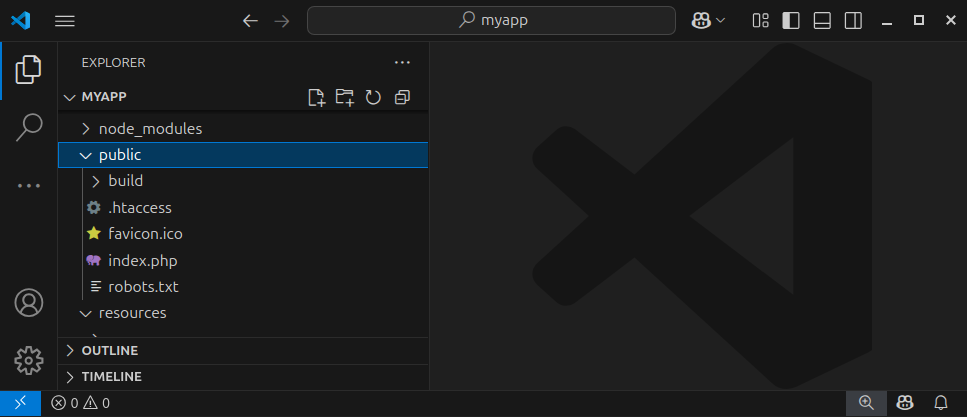
The public/ folder contains a single index.php file which handles requests to our website resources.
Once we deploy our Laravel application, the public/ folder should be set as the main web (root) folder for our website.
Everything inside the public/ folder is publicly visible and accessible to the visitors of our website. Everything outside the public folder should not be visible/accessible to visitors of our website, although still present on the live web server.
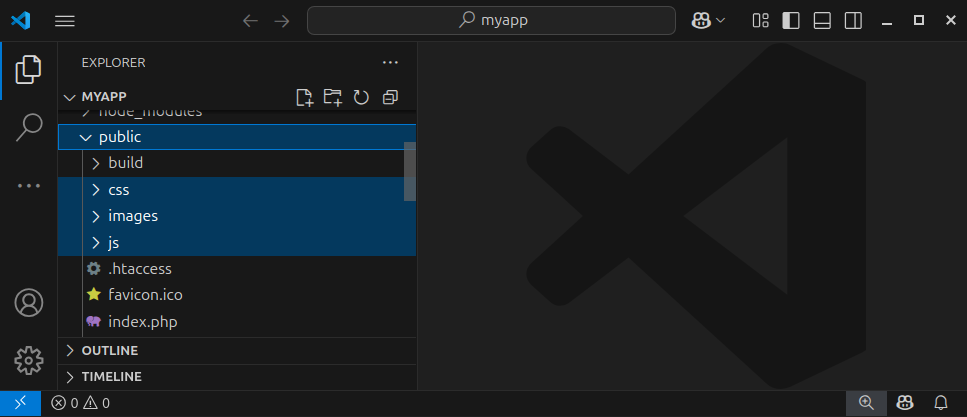
The public/ folder can also have other, publicly-accessible files and folders. Inside the public/ folder, we can also create sub folders such as css/, images/, js/ and similar folders.
Laravel relies on the Model-View-Controller (MVC) architecture for representing, fetching and displaying data. And the following folders are used for storing these Models, Views and Controllers.
The app/Models/ folder
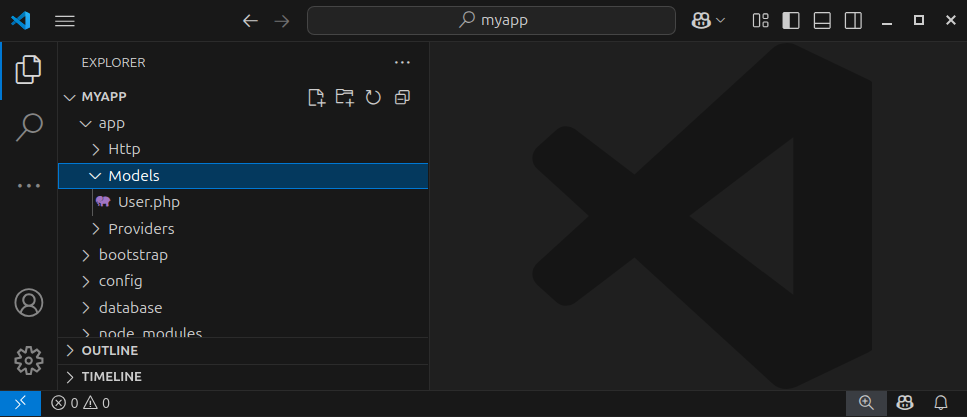
The app/Models/ folder stores our Laravel Models files. Models are PHP classes that represent database tables and relationships between tables. In this folder, we will be creating new models and editing the existing ones. Usually, each model class goes into a separate file with the .php extensions.
The resources/views/ folder
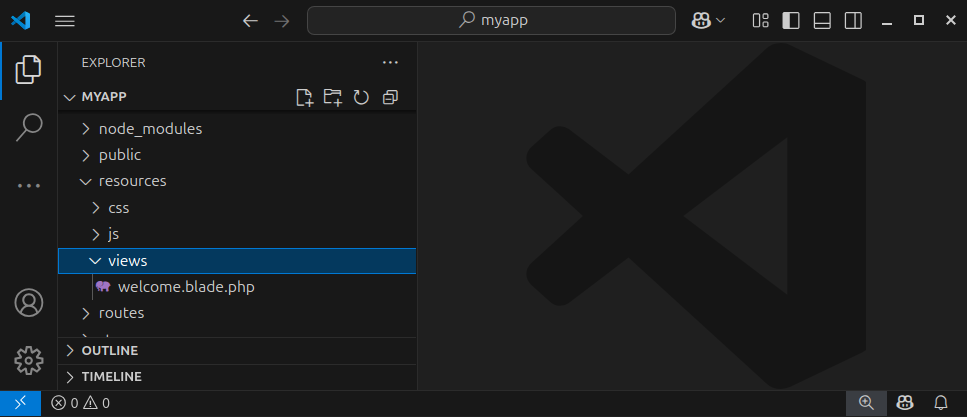
The resources/views/ folder contains our Laravel Views files, also called Blade Templates. Blade Templates are usually HTML templates with placeholders for various variables and are used for generating/rendering the final HTML output. In this folder, we can create new template files and edit the existing ones.
The app/Http/Controllers/ folder
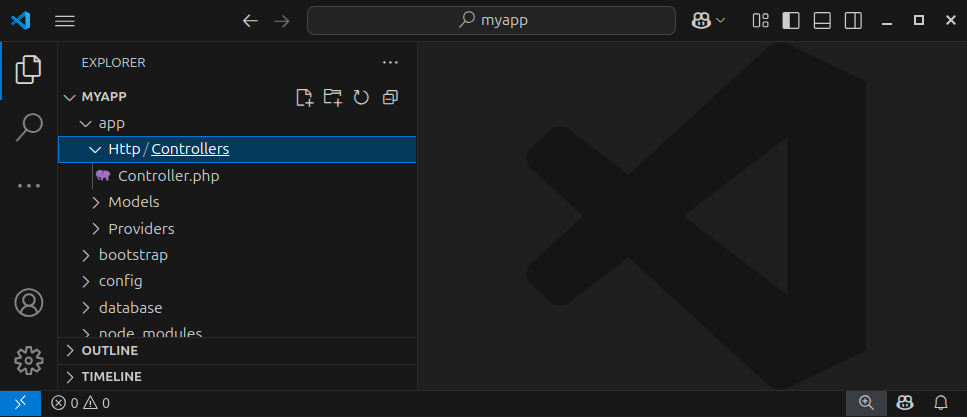
This folder contains the so-called Controllers. Controllers are classes that contain various member functions for handling different requests. We say these controllers control how the request is handled. We also say they connect Models and Views. As our framework grows, it is a good idea to move our request-handling source code to a dedicated controller class.
The routes/ folder
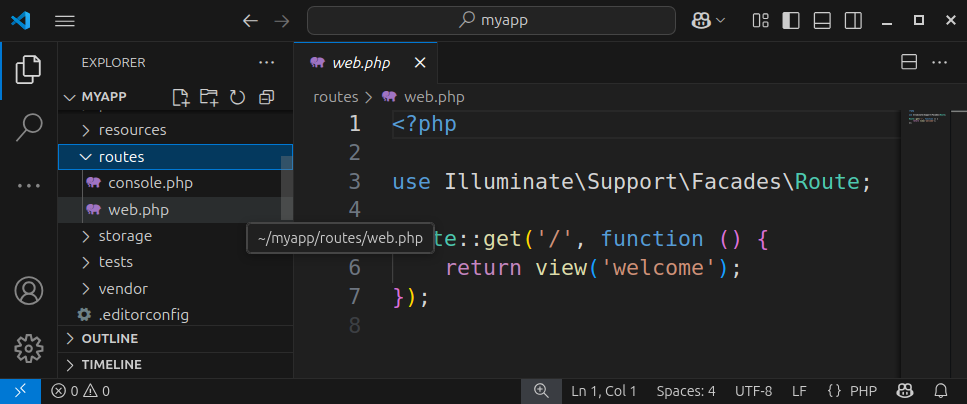
The routes/ folder contains the important web.php file which defines all the routes/paths and the corresponding code for our web application.
Summary
During the development of our Laravel app, we will be modifying the .env and the web.php files and creating a lot of models, views and controllers. That is why it is important to have an overview of the relevant Laravel project folders upfront. We will go into greater detail about each of these topics in the upcoming chapters.
In our next article we will explain Laravel's configuration settings and environment variables.


