Routes With a Single Parameter
In our previous tutorial, we learned how to define hard-coded routes.
In this tutorial, we will learn how to define routes that can have a single parameter. The parameter is a route's segment whose value can change, depending on what we supply in the GET request. And we want to be able to obtain the value of that segment and use it in our code.
For example, if a page displays a single post from a database, the URL for such page can take any of the following values:
https://www.example.com/posts/1
https://www.example.com/posts/2
https://www.example.com/posts/3
These routes have a segment that can change, and that segment represents the post's id column which can have different values for different posts. We will call this segment a route parameter. To define a route that has one parameter, in our web.php file we write:
<?php

use Illuminate\Support\Facades\Route; // import the Route facade

Route::get('/posts/{id}', function (string $id) { // define a route with an id parameter
    return 'Accessing a post with an id of ' . $id;
});
Here, using the Route::get() function, we define a route that has a single parameter. We name this parameter id and surround it with braces:
'/posts/{id}'Then, we provide the callback function and declare a single parameter, called $id, which will automatically receive the value of an {id} route parameter.
function (string $id) {
    return 'Accessing a post with an id of ' . $id;
}
We say the route parameter's value gets automatically passed to/injected into a callback parameter. The URI value of {id} gets automatically injected to a function's argument variable $id.
If we try to access this route and provide a value of 123, for example, we see the following output in our browser:
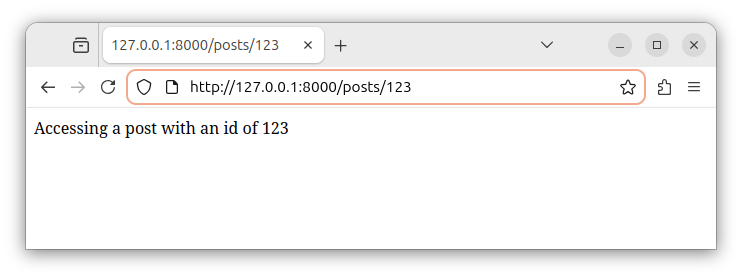
If we access the route with an id value of 456, we observe the following output:
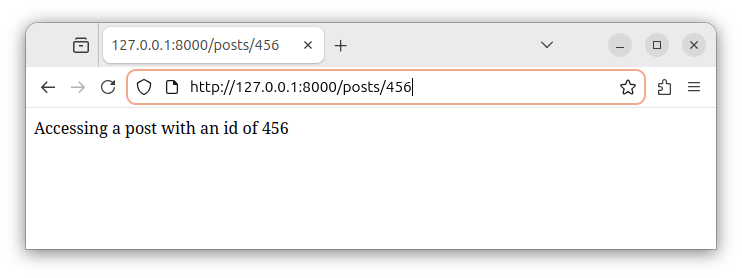
The name of the function parameter does not have to match the name of the route parameter, it can be something else, like $myId and the function argument will still receive the value of the {id} route parameter.
Note: the route parameter can be declared anywhere in our route. For example, we can have the following routes, and all of them define a single parameter:
https://www.example.com/posts/{id}
https://www.example.com/posts/{id}/comments
https://www.example.com/users/{id}/details
https://www.example.com/some/other/paths/{id}/etc
This route parameter will still be injected to the function argument, regardless of the position inside the route.
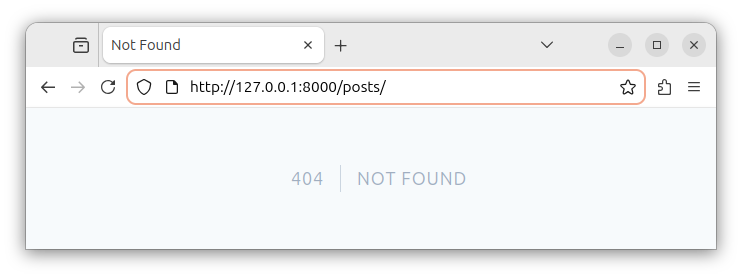
Please note that this route parameter definition specifies the required parameter. The parameter must be present in the GET request. If we tried to access the route without supplying a value for an id parameter, as in the following example:
http://127.0.0.1:8000/posts/We would get a 404 not found error as in the following image:
Optional single parameter
Sometimes, a parameter might or might not be present in the URL. In that case, we want to define an optional parameter by placing the ? character at the end of the route parameter name and we provide a default value for the function argument:
<?php

use Illuminate\Support\Facades\Route; // import the Route facade

// define a route with an optional id parameter
Route::get('/posts/{id?}', function (?string $id = null) { // and set the argument's default value to null
    if (is_null($id)) {
        return 'No id value provided.';
    } else {
        return 'Accessing a post with an id of ' . $id;
    }
});
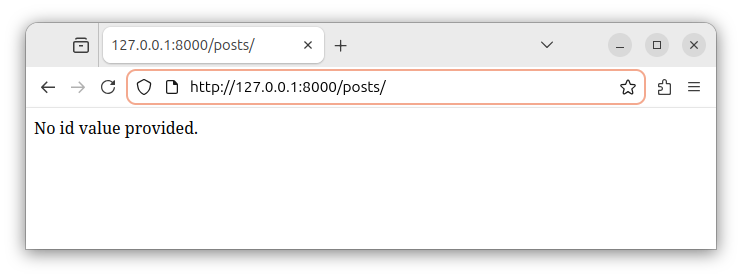
Since the id route parameter is now optional, we can access the route either with or without the route parameter. If accessing the route without the parameter part:
http://127.0.0.1:8000/posts/We would observe the following output in our web browser:
Use-cases
Using a single parameter to fetch a record by id
We can define a single id parameter route and use it to fetch a record from our database. Our Route::get() function can look like:
Route::get('/posts/{id}', function (string $id) { // define a route with an id parameter
    $myRecord = MyModel::where('id', $id)->firstOrFail();
    // ... other code
});
Note: replace the MyModel with the actual model's name.
This code defines a single id parameter for our route, and uses the parameter's value to fetch a single record using a model class.
Using a single parameter to fetch a record by a slug
If a table has the slug column, and we want to fetch the record using the slug parameter, we define a route accepting a slug and returning a single record:
Route::get('/posts/{slug}', function (string $slug) { // define a route with a slug parameter
    $myRecord = MyModel::where(slug', $slug)->firstOrFail();
    // ... other code
});
Note: replace the MyModel with the actual model's name.
Route parameter constraints
We can apply constraints to our route parameter by chaining the with() method to our Route::get() function call. The with() method accepts the name of the parameter and a regular expression that represents the constraint:
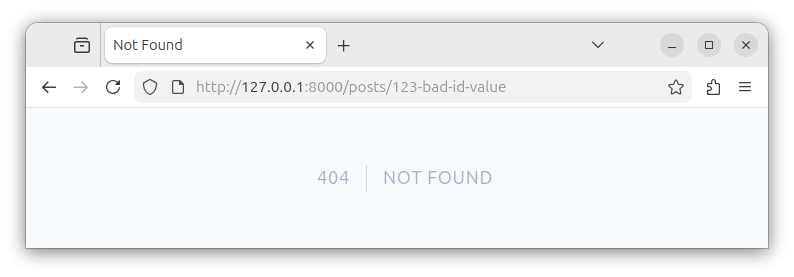
where('id', '[0-9]+')If we try to access the route with the parameter value that does not match the constraints, for example, with the following address:
http://127.0.0.1:8000/posts/123-bad-id-valueWe get a 404 Page Not Found response:
To constrain the id parameter, we write:
Route::get('/posts/{id}', function (string $id) { // define a route with an id parameter
    // ... some code
})->where('id', '[0-9]+'); // constrain the id parameter
To constrain the slug parameter, we would use the following code:
Route::get('/posts/{slug}', function (string $slug) { // define a route with a slug parameter
    // ... some code
})->where('slug', '[A-Za-z0-9-_]+'); // constrain the slug parameter
Global parameter constraints
Alternatively, if we want to apply constraints to all the routes, we place one or more Route::pattern('parameter_name', 'constraint_value') function calls inside the boot() method of the application's App\Providers\AppServiceProvider class:
<?php

namespace App\Providers;

use Illuminate\Support\ServiceProvider;
use Illuminate\Support\Facades\Route;

class AppServiceProvider extends ServiceProvider
{
    // other code...

    public function boot(): void
    {
        Route::pattern('id', '[0-9]+');
        Route::pattern('slug', '[A-Za-z0-9-_]+');
    }
}
Now, every route that has an id and/or a slug parameter, will apply constraints to those parameters.
Summary
In this tutorial, we learned how to create single parameter routes. In the next tutorial, we will learn how to create multiple parameters routes.


