Exercise - Named Routes
In this Laravel exercise, we will create several named routes and use them to generate URLs and conditionally include subviews. The exercise requirements are:
- Create a Laravel app.
- Define several hard-coded named routes.
- Define one parametrized, named route.
- Create a main view and several subviews.
- Conditionally include subviews in the main view.
- Use named routes to generate links/URLs.
Creating a Laravel app
To create an empty Laravel app, in the terminal, we write and execute:
laravel new named-routes-exerciseChoose the default options and opt for the MySQL database.
Once the project has been created, enter the project's folder.
cd named-routes-exerciseAnd start a local server with:
composer run devOr with:
php artisan serveDefining named routes
Define the following routes and assign the following names:
- / - index
- /admin – admin
- /showpost/{id} - showpost
Open the web.php file and paste the following source code:
<?php

use Illuminate\Support\Facades\Route;

Route::get('/', function () { // define an index route
    return view('page-wrapper'); // return a view
})->name('home'); // name the route as home

Route::get('/admin', function () { // define an /admin route
    return view('page-wrapper'); // return a view
})->name('admin'); // give this route an admin name

Route::get('/showpost/{id}', function (string $id) { // define a /showpost route
    return view('page-wrapper', ['id' => $id]); // pass a value for a route parameter
})->name('showpost'); // name the route as showpost
Explanation of the web.php code
This code:
Route::get('/', function () { // define an index route
    return view('page-wrapper'); // return a view
})->name('home'); // name the route as home

Route::get('/admin', function () { // define an /admin route
    return view('page-wrapper'); // return a view
})->name('admin'); // give this route an admin name
Defines two different, hard coded routes and names them differently by chaining the name('route_name') method to the Route::get() function calls. The first route is named home, and the second route is named admin. All routes return the page-wrapper view which will act as a page-wrapper and will be created later on.
The following code:
Route::get('/showpost/{id}', function (string $id) { // define a /showpost route
    return view('page-wrapper', ['id' => $id]); // pass a value for a route parameter
})->name('showpost'); // name the route as showpost
Defines a single parameter route and names it as showpost. This code also returns a page-wrapper view and passes the parameter's value to that view.
Creating a main view
Open a new terminal window and navigate to the project's folder. Create a main view that will be a page wrapper for all pages. In the terminal, we write:
php artisan make:view page-wrapper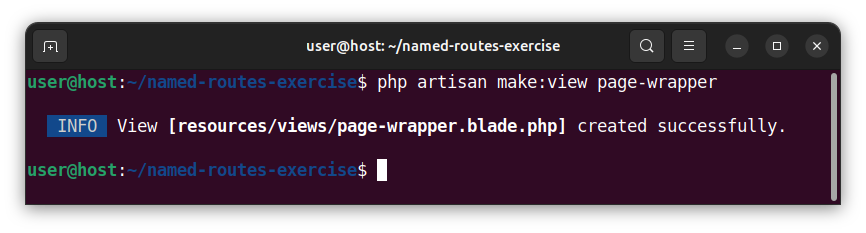
Open the resources/views/page-wrapper.blade.php file and paste the following code:
<!DOCTYPE html>
<html lang="en">
<head>
    <meta charset="UTF-8">
    <meta name="viewport" content="width=device-width, initial-scale=1.0">
    <title>Named Routes Exercise</title>
</head>
<body>
    {{-- Generate URLs using named routes --}}
    <p><a href="{{ route('home') }}">Home</a></p>
    <p><a href="{{ route('admin') }}">Admin</a></p>
    <p><a href="{{ route('showpost', ['id' => 123]) }}">Show the post with an id of 123</a></p> {{-- Pass the value for the route's parameter --}}

{{-- Different ways of checking the route's name --}}

{{-- Using the Route::is() function to check the route's name --}}
@if (Route::is('home'))
@include('home-subview')
@endif

{{-- Using the @includeWhen() directive to include the subview --}}
@includeWhen(Route::is('admin'),'admin-subview')

{{-- Using the Route::currentRouteName() function to check the route's name --}}
@if (Route::currentRouteName() === 'showpost')
@include('showpost-subview')
@endif

</body>
</html>
Explanation of the page-wrapper.blade.php code
The following code:
<p><a href="{{ route('home') }}">Home</a></p>
<p><a href="{{ route('admin') }}">Admin</a></p>
Creates full URLs for named routes using the route('route_name') method. The route() method generates a full URL for a given named route. On a local server, the above code will be compiled to:
<p><a href="http://127.0.0.1:8000">Home</a></p>
<p><a href="http://127.0.0.1:8000/admin">Admin</a></p>
And on a remote server, it will become similar to:
<p><a href="http://www.example.com">Home</a></p>
<p><a href="http://www.example.com/admin">Admin</a></p>
To create a full URL for route with a single parameter, we use following code:
<p><a href="{{ route('showpost', ['id' => 123]) }}">Show the post with an id of 123</a></p>This code creates a URL for a parametrized, named route using the route('route_name', ['parameter_name' => parameter_value]) syntax. The second argument to the route() function is an array holding the key-value pair for our route's parameter. If a route accepts more than one parameter, then, we will provide multiple, coma-separated key value pairs as in route('route_name', ['param1' => value1, 'param2' => value2]).
On a local server, the code above expands to:
<p><a href="http://127.0.0.1:8000/showpost/123">Show the post with an id of 123</a></p>On a live server, it will become similar to:
<p><a href="http://www.example.com/showpost/123">Show the post with an id of 123</a></p>
<p><a href="http://www.example.com/admin">Admin</a></p>
The Route::is() function
The following code uses the Route::is() function to check if the current route name is equal to home. Inside the @if directive, we write:
@if (Route::is('home'))
@include('home-subview')
@endif
If the condition is true, we include the home-subview view/template in our main page-wrapper view.
The @includeWhen() directive
The next snippet of:
@includeWhen(Route::is('admin'),'admin-subview')Uses the @includeWhen(condition, 'view-name') directive to include the admin-subview view/template only if a condition is true. In our case, the condition is represented using a Route::is() function. The admin-subview view is included in the main page-wrapper view only if the current route name is admin.
The Route::currentRouteName() function
Finally, the last snippet of:
@if (Route::currentRouteName() === 'showpost')
@include('showpost-subview')
@endif
Uses the @if directive and the Route::currentRouteName() function to check if the current route name is showpost. The Route::currentRouteName() function returns the name of the current route. If the entire condition is true, this code includes the showpost-subview view into our main view.
Creating subviews
In the terminal, we will create three different subviews to be included in our main page-wrapper view.
Creating the home-subview template
In the shell, we create a home-subview template:
php artisan make:view home-subview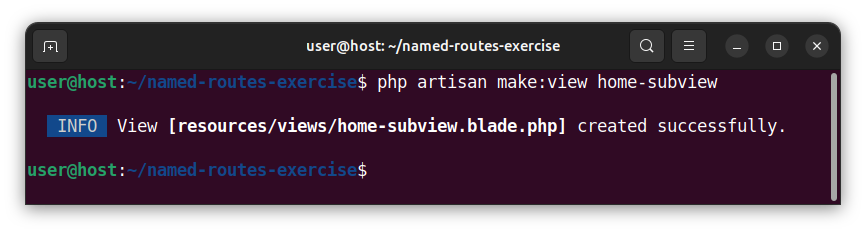
Open the newly created resources/views/home-subview.blade.php file and paste the following HTML snippet:
<h1>Home</h1>
<p>This is the homepage content.</p>
Creating the admin-subview template
To create an admin-subview view, in the shell, we type and execute:
php artisan make:view admin-subview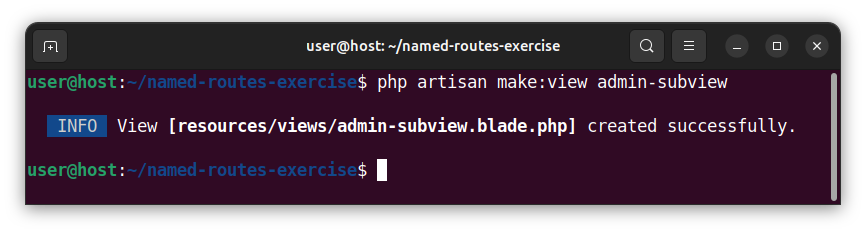
Open the newly created resources/views/admin-subview.blade.php file and paste the following HTML code:
<h1>Admin</h1>
<p>This is the admin page content.</p>
Creating the showpost-subview view
Finally, we create a third, showpost-subview blade template file:
php artisan make:view showpost-subview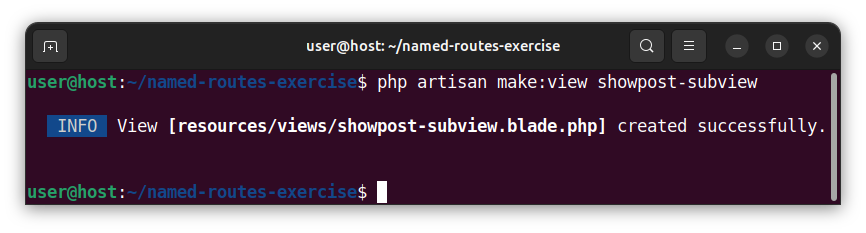
Open the newly created resources/views/showpost-subview.blade.php file and paste the following HTML code:
<h1>Show Post</h1>
<p>This page displays the post with an id of: {{ $id }}</p>
Displaying routes in a browser
To access the index route / (we named home), we type in the local http://127.0.0.1:8000 address:
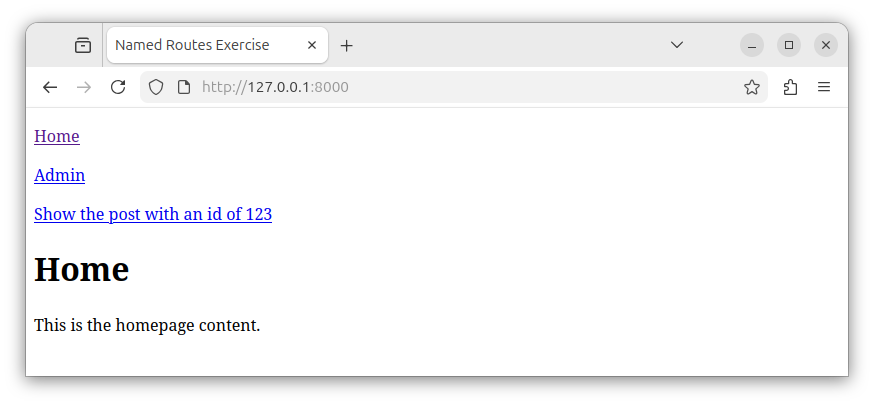
For this route, the framework includes the home-subview in our main page-wrapper view and renders the display for the home route.
To access an /admin route we simply named admin, we type http://127.0.0.1:8000/admin URL:
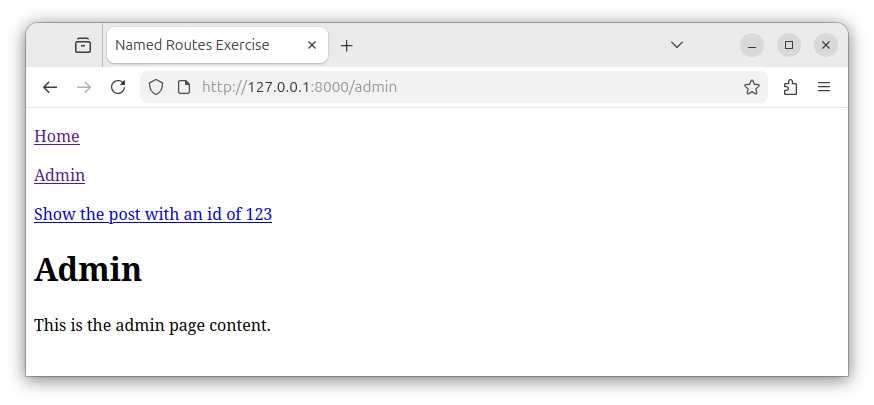
For this route, the main page-wrapper view includes the admin-subview subview and we see the rendered result.
Finally, if access the /showpost route via http://127.0.0.1:8000/showpost/123 and provide an id parameter value of 123, we see the following results:
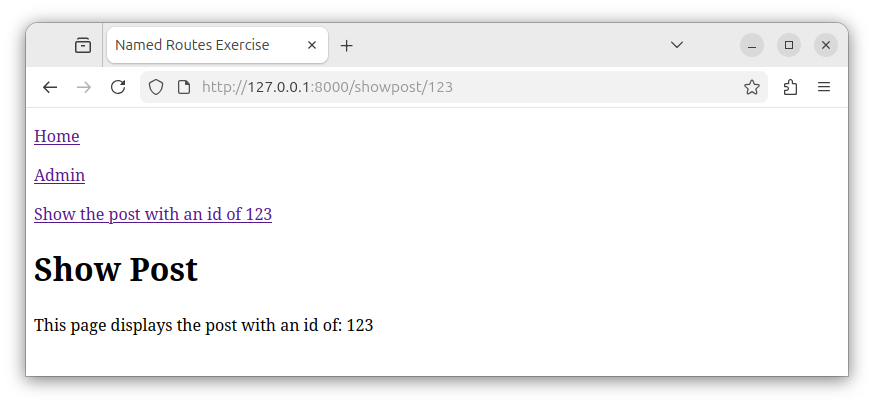
The browser now displays the rendered page-wrapper view which includes the showpost-subview as an inner view.


